




U-Shape Balusters Revit Railing Family
$0.00
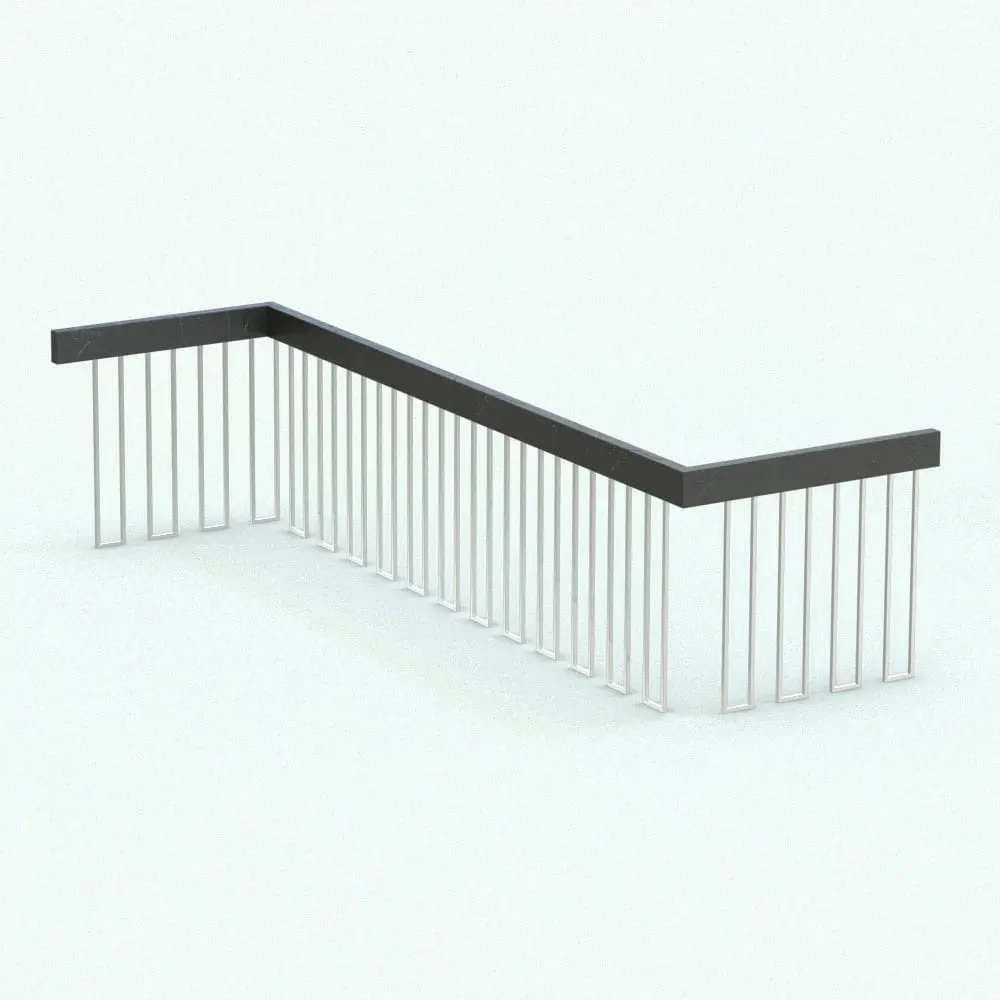
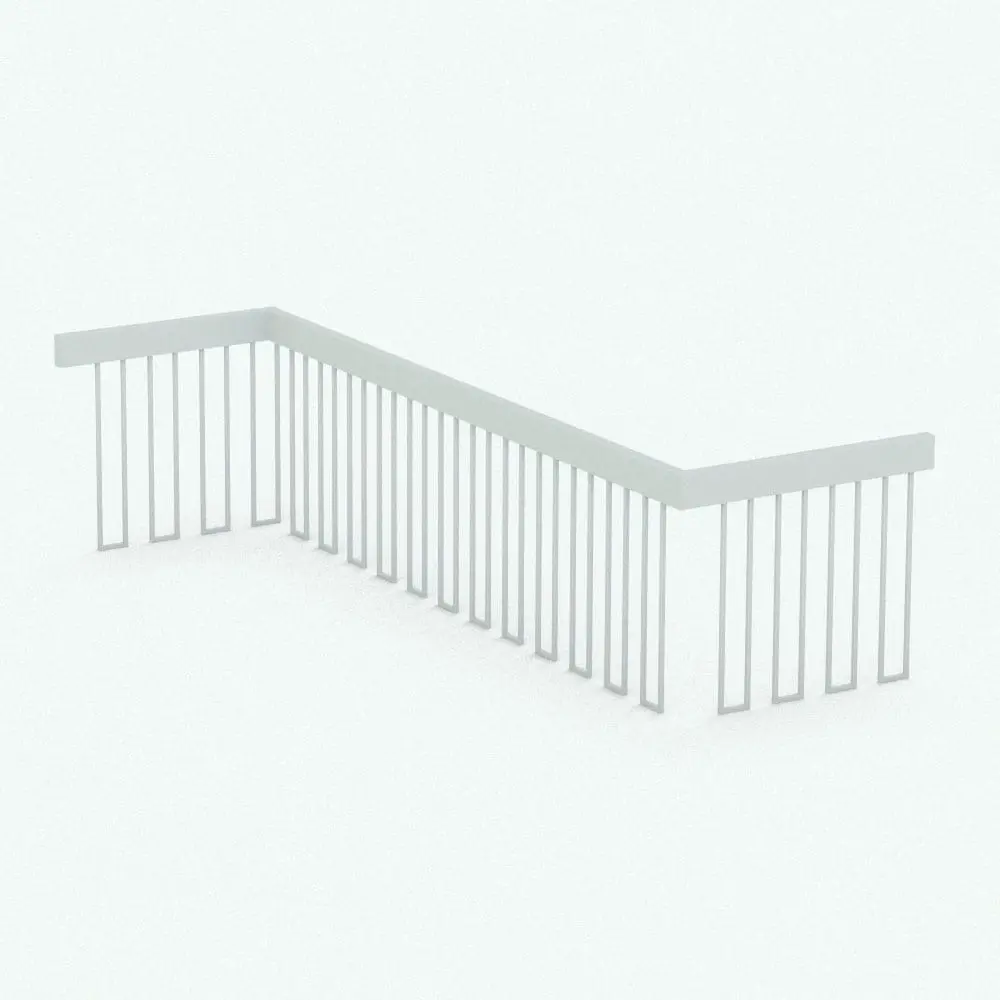
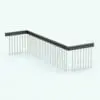
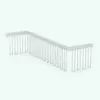
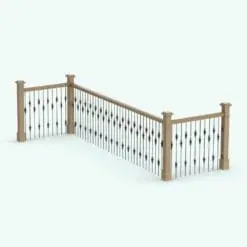
The U-Shape Balusters Revit Railing Family is a sleek and modern railing design that adds a touch of sophistication to any architectural project. With its clean lines and sturdy construction, this Revit railing is perfect for both residential and commercial applications. The U-shaped layout ensures enhanced safety while maintaining a minimalist aesthetic.
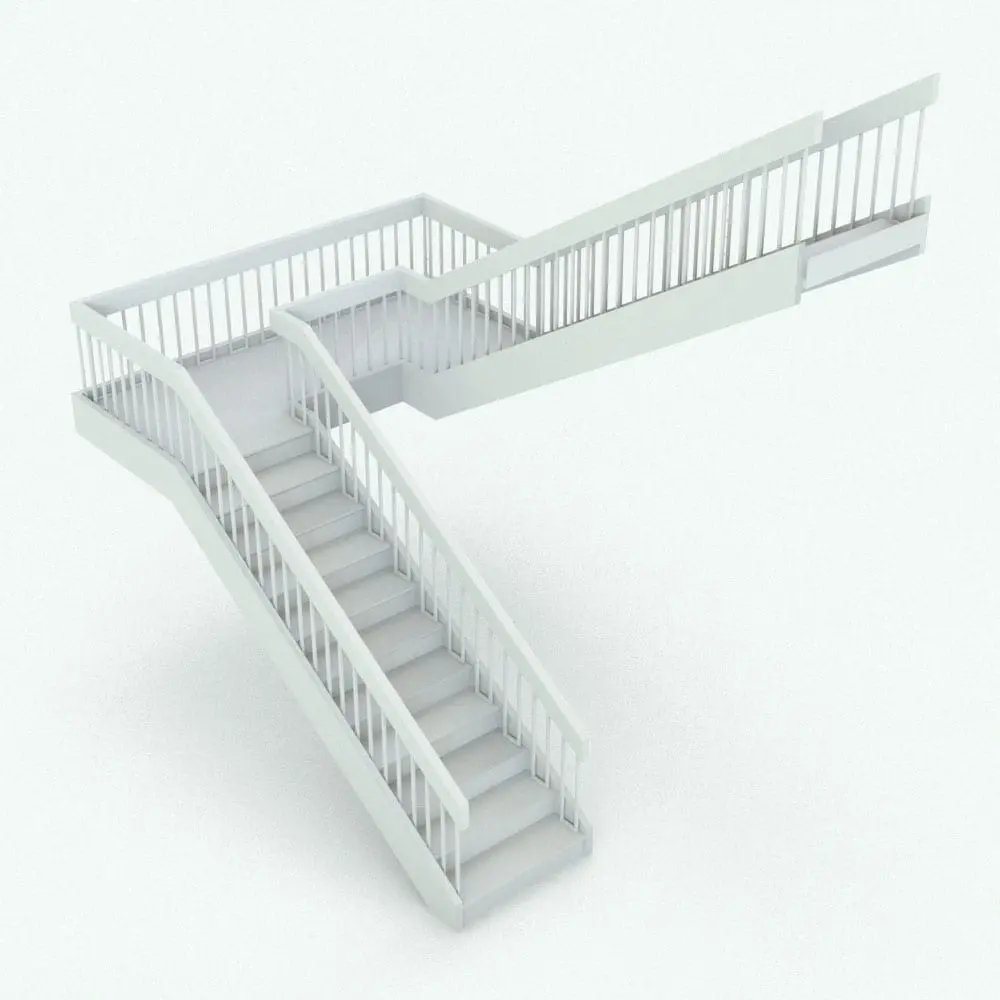
This U-Shape Balusters Revit Railing Family is fully customizable. This allows you to adjust the heights and materials to fit your specific design requirements. Its modular design enables seamless integration into various environments, including staircases, balconies, and terraces, making it a versatile choice for architects and designers.
You can use this Revit family as standalone or in any stair, and the best part of it all is that it belongs to our FREE Revit families category! So go ahead and get it today. No credit card required.
For a detailed description of parameters and materials of this Revit railing, please read the Revit Family Technical Information section below.
- Parametric: Yes
- Hybrid*: No
- Compatible with: Revit 2016 and higher.
- Family type: Railings
- Materials/textures: Yes
- Approximate file size: 1.22 MB (actual family size is a lot smaller. This size is for the whole rvt project)
- File format: .rvt
This U-Shape Balusters Revit Railing Family comes with the following customizable parameters and options:
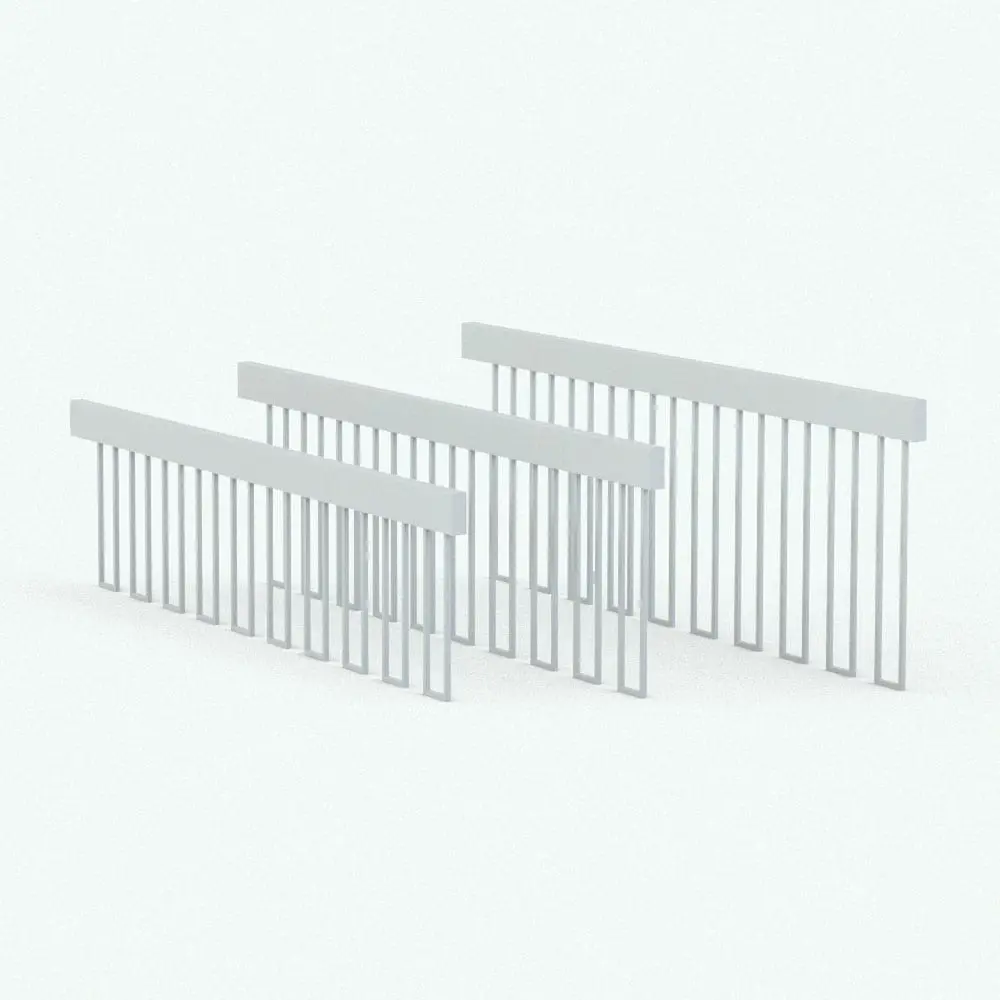
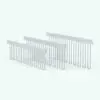
Railing comes in 3 pre-configured heights:
30″
36″
42″
This Revit railing family comes with the following materials that are already configured in the Material Browser. Names of materials:
Chrome U Baluster Railing – Chrome U Shape
Chrome U Baluster Railing – Top Rail
To use the railings, open the rvt file, select the three railings, press Ctrl+C, open the drawing you want to use them in and paste them in it+ (Ctrl+V)
+Make sure you click on the screen to insert them. After inserting them, you can delete them. This will add them to the drawing. The materials will follow along (you only have to assign the textures/materials properties in the Material Browser)
IMPORTANT NOTE ABOUT THIS REVIT RAILING FAMILY: You should not use the rvt file of the railing as the starting file to create a new project since it was purged of all other objects to optimize its size. Also, it is part of our FREE Revit families! So get it today free of charge (no credit card required).
* Hybrid families combine native Revit objects with other 3D applications’ objects for a more realistic look to the families.
Before purchasing our Revit families and 3D models, make sure you have a software like Winzip or Peazip to unzip files since all our files are delivered in zip format.
| Format | rfa |
|---|
Only logged in customers who have purchased this product may leave a review.
You may also like…
Built-In Elements

Built-In Elements

Built-In Elements
Reviews
There are no reviews yet.