



Interlaced Elliptical Revit Railing Family
$4.49
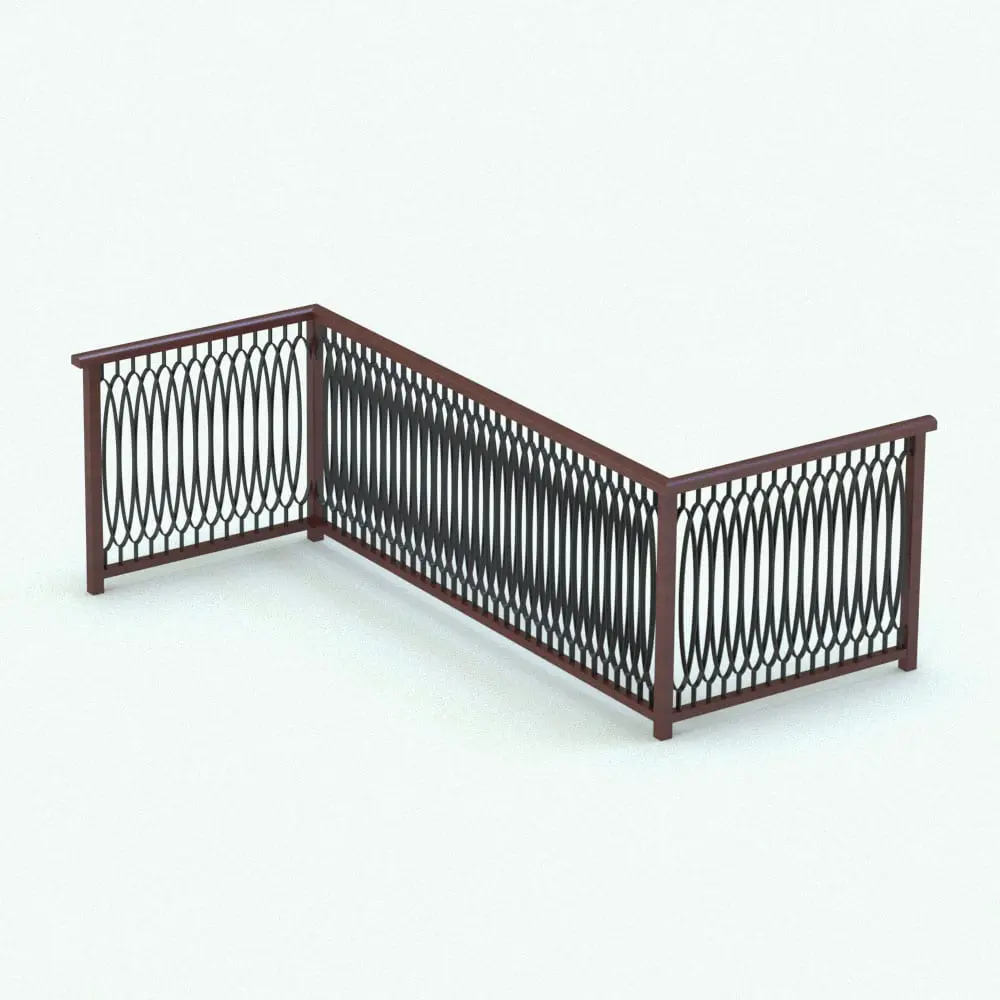
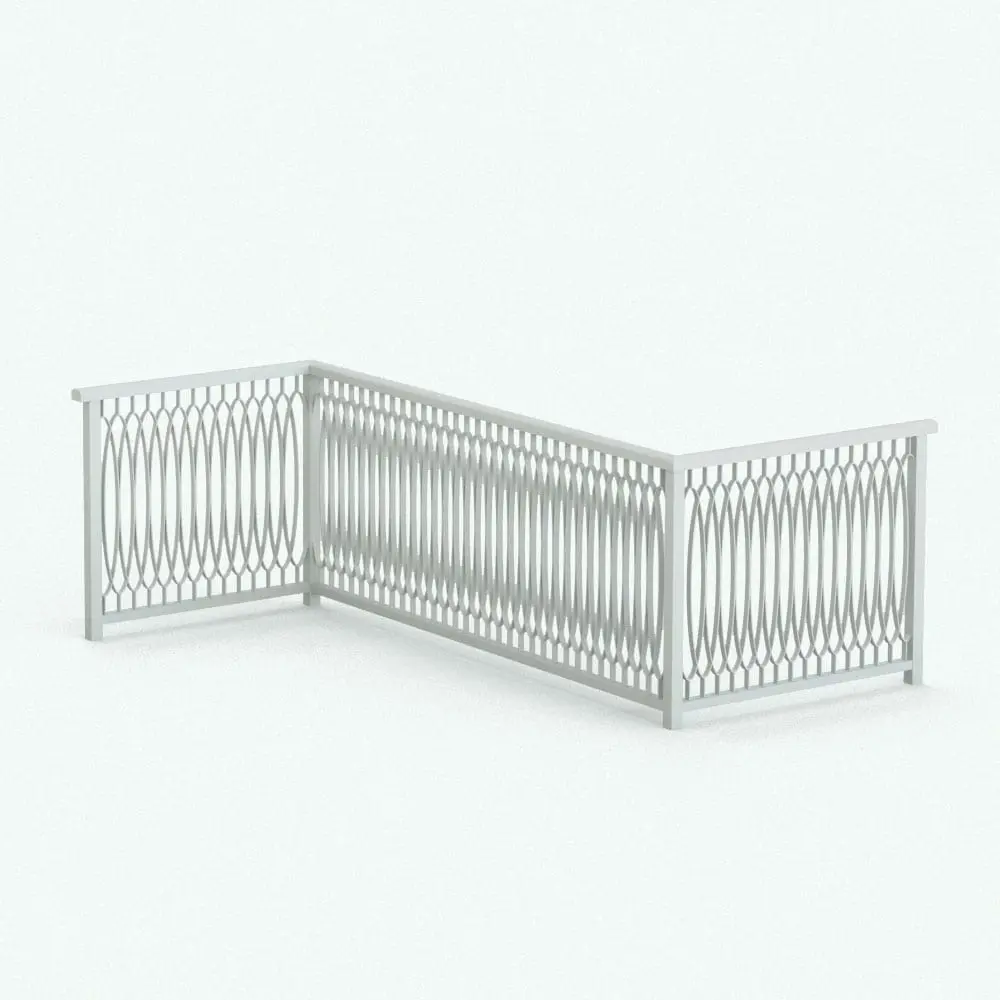
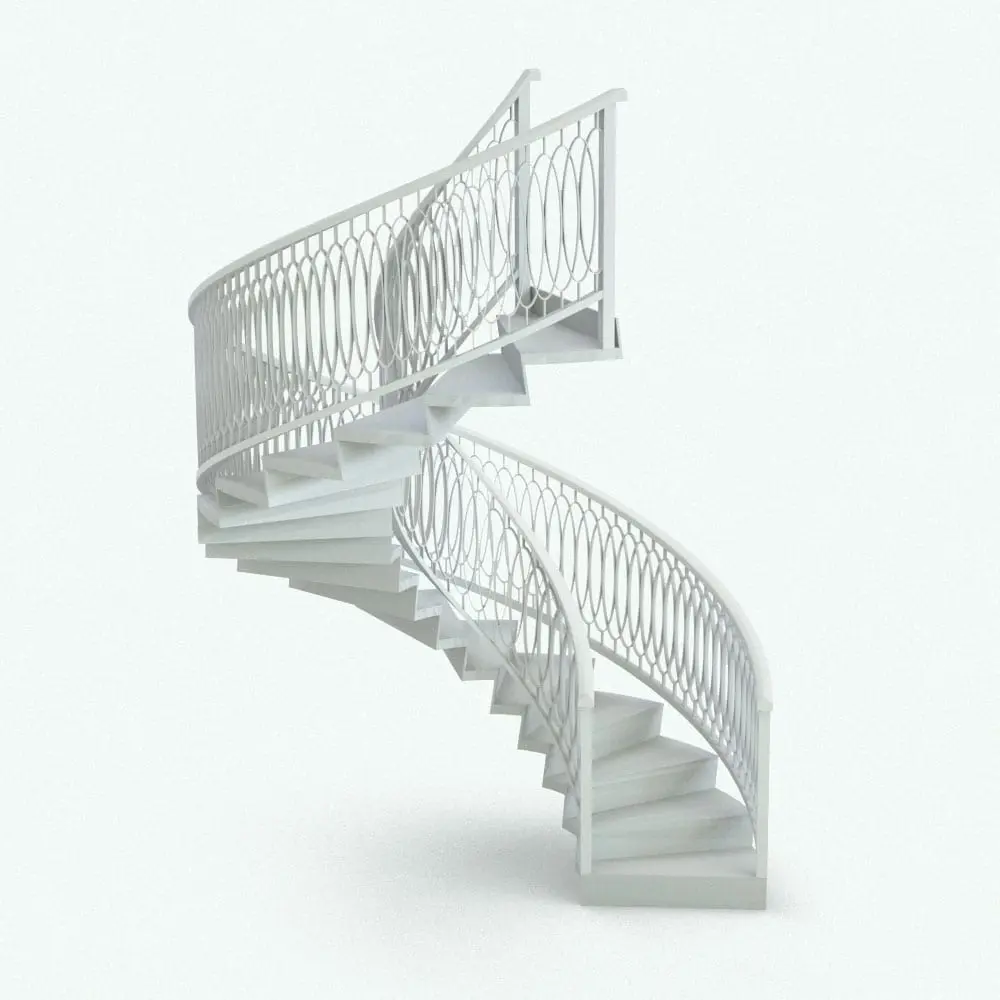
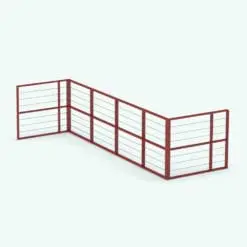
The Interlaced Elliptical Revit Railing Family is a sophisticated and artistic railing design that features intricately woven elliptical patterns. This unique style adds a dynamic visual appeal, making it ideal for projects that demand both functionality and decorative charm. The intricate interlacing creates a sense of depth and movement, elevating any interior or exterior space.
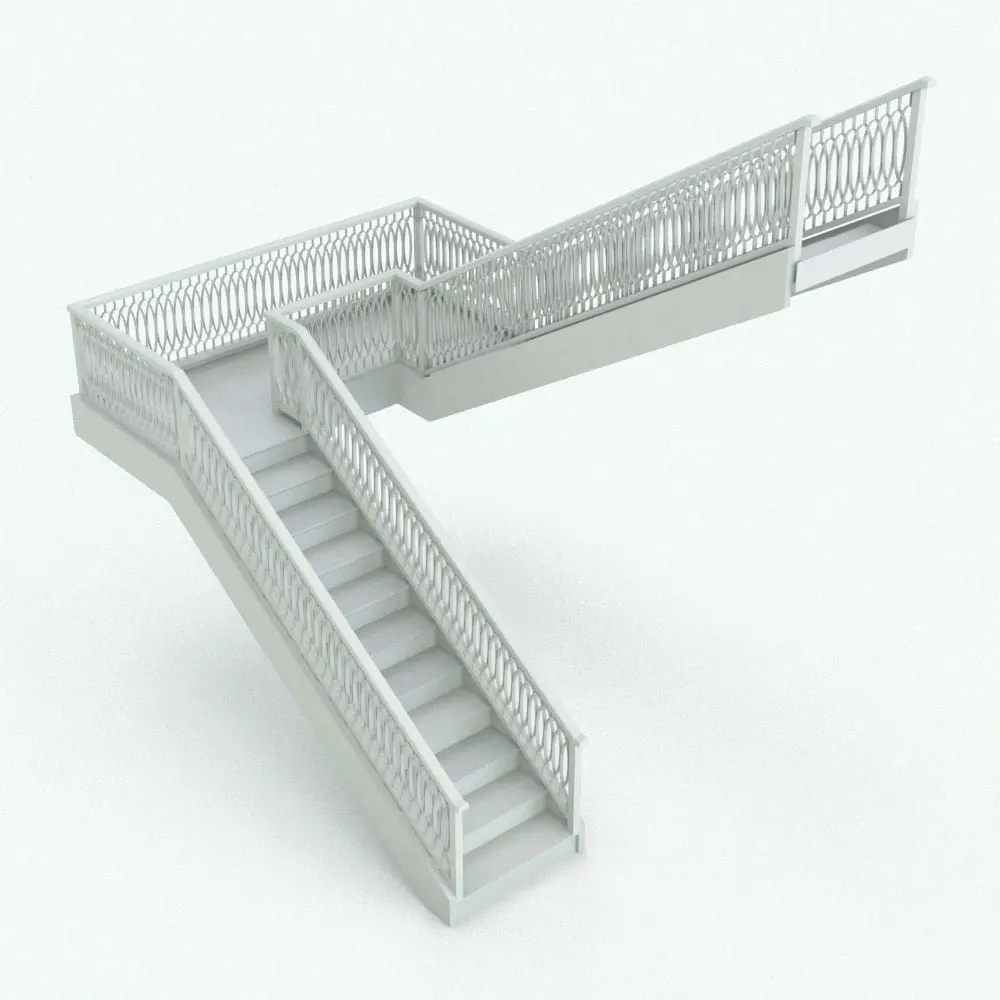
This Interlaced Elliptical Revit Railing Family is perfect for luxury homes, commercial establishments, and public spaces where design excellence is paramount. Fully customizable, it allows you to select heights and materials to seamlessly blend with the surrounding architecture. Its sturdy construction ensures safety while its aesthetic enhances the overall design of your project.
For a detailed description of parameters and materials of this Revit railing family, please read the Revit Family Technical Information section below.
- Parametric: Yes
- Hybrid*: No
- Compatible with: Revit 2016 and higher.
- Family type: Railings
- Materials/textures: Yes
- Approximate file size: 1.77 MB (actual family size is a lot smaller. This size is for the whole rvt project)
- File format: .rvt
This Interlaced Elliptical Revit Railing Family comes with the following customizable parameters and options:
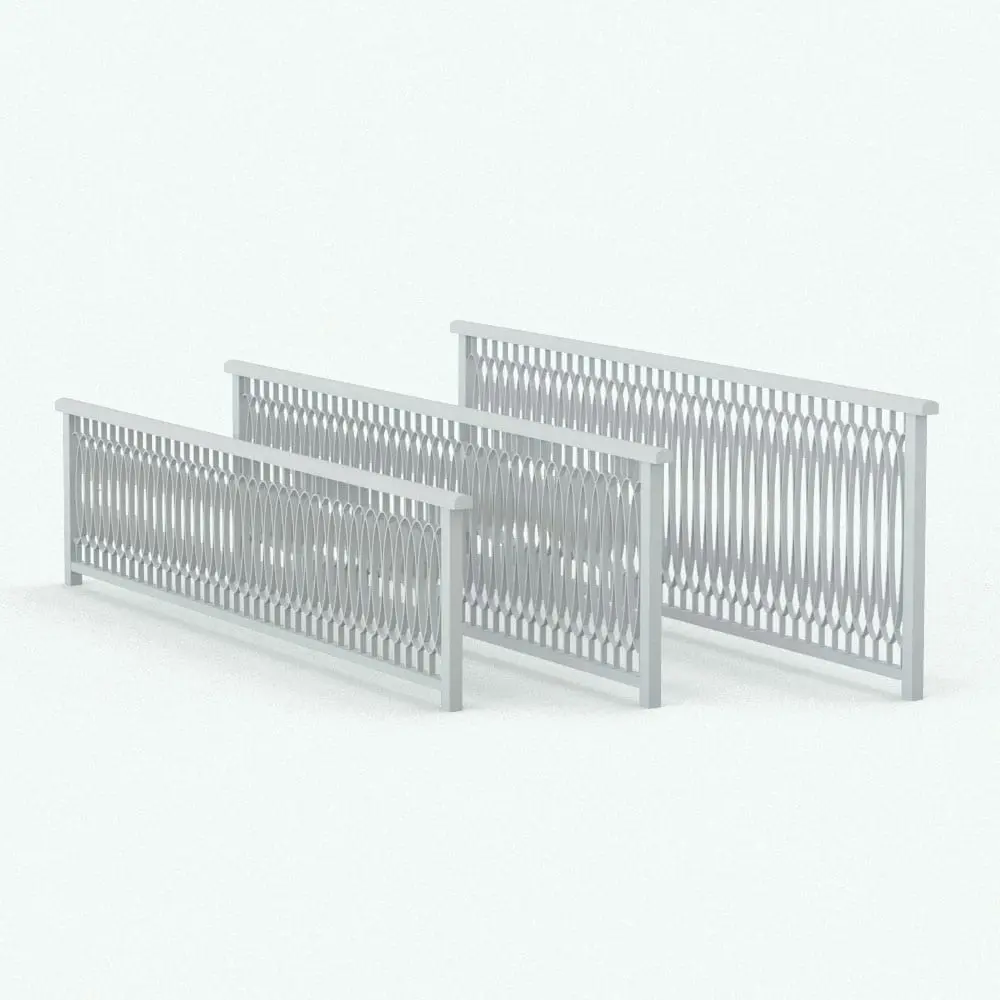
Railing comes in 3 pre-configured heights:
30″
36″
42″
You can find that the materials in this Revit railing are already configured in the Material Browser. Names of materials:
Interlaced Elliptical Railing – Top and Bottom Rail
Interlaced Elliptical Railing – Elliptical Balusters
Interlaced Elliptical Railing – Corner Posts
To use the Revit railings, open the rvt file, select the three railings, press Ctrl+C, open the drawing you want to use them in and paste them in it+ (Ctrl+V)
+Make sure you click on the screen to insert them. After inserting them, you can delete them. This will add them to the drawing. The materials will follow along (you only have to assign the textures/materials properties in the Material Browser)
IMPORTANT NOTE ABOUT THIS INTERLACED ELLIPTICAL REVIT RAILING FAMILY: Do not use the rvt file of the railing as the starting file to create a new project since it was purged of all other objects to optimize its size.
* Hybrid families combine native Revit objects with other 3D applications’ objects for a more organic and realistic look to the families.
Before purchasing our Revit families and 3D models, make sure you have a software like Winzip or Peazip to unzip files since all our files are delivered in zip format.
| Format | rfa |
|---|
Only logged in customers who have purchased this product may leave a review.
You may also like…
Built-In Elements
Built-In Elements
Built-In Elements
Reviews
There are no reviews yet.