




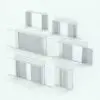
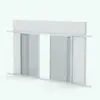
Sliding Revit Pocket Door Family – SLD-PX-XP Bi-Part
$0.00
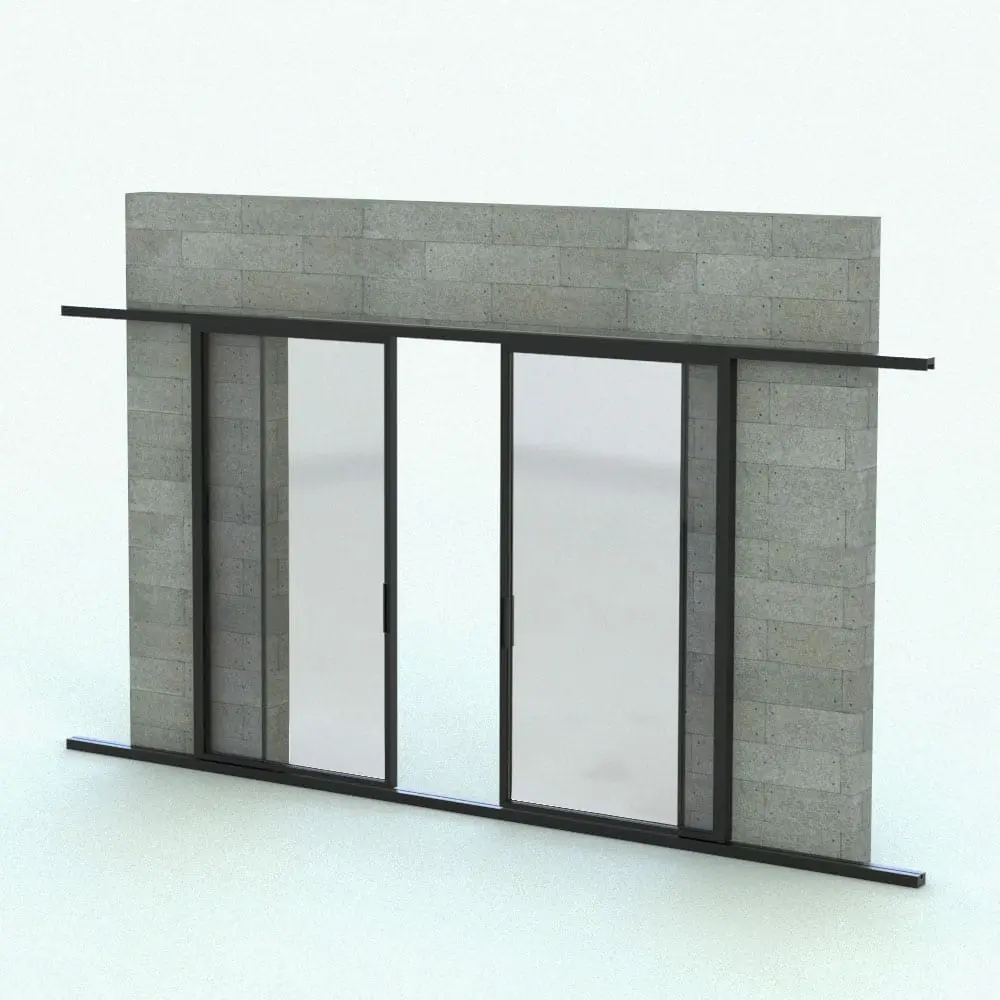
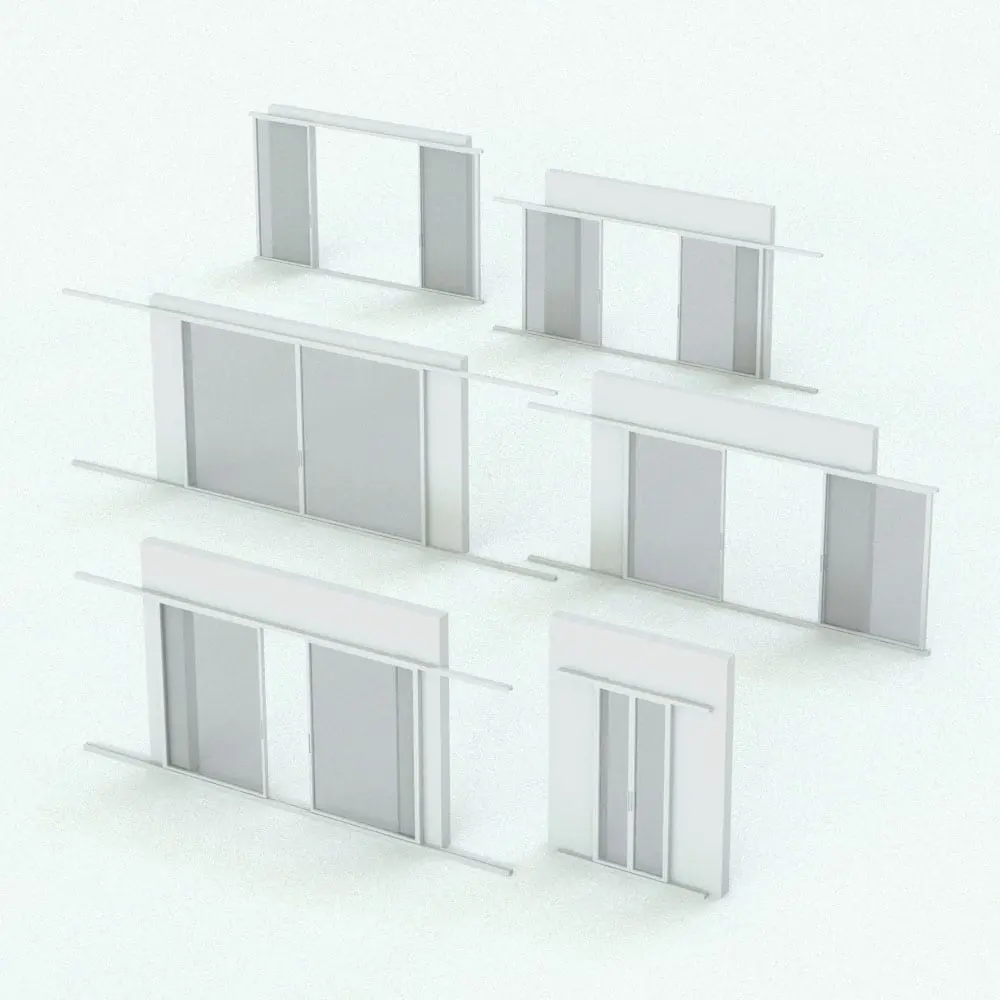
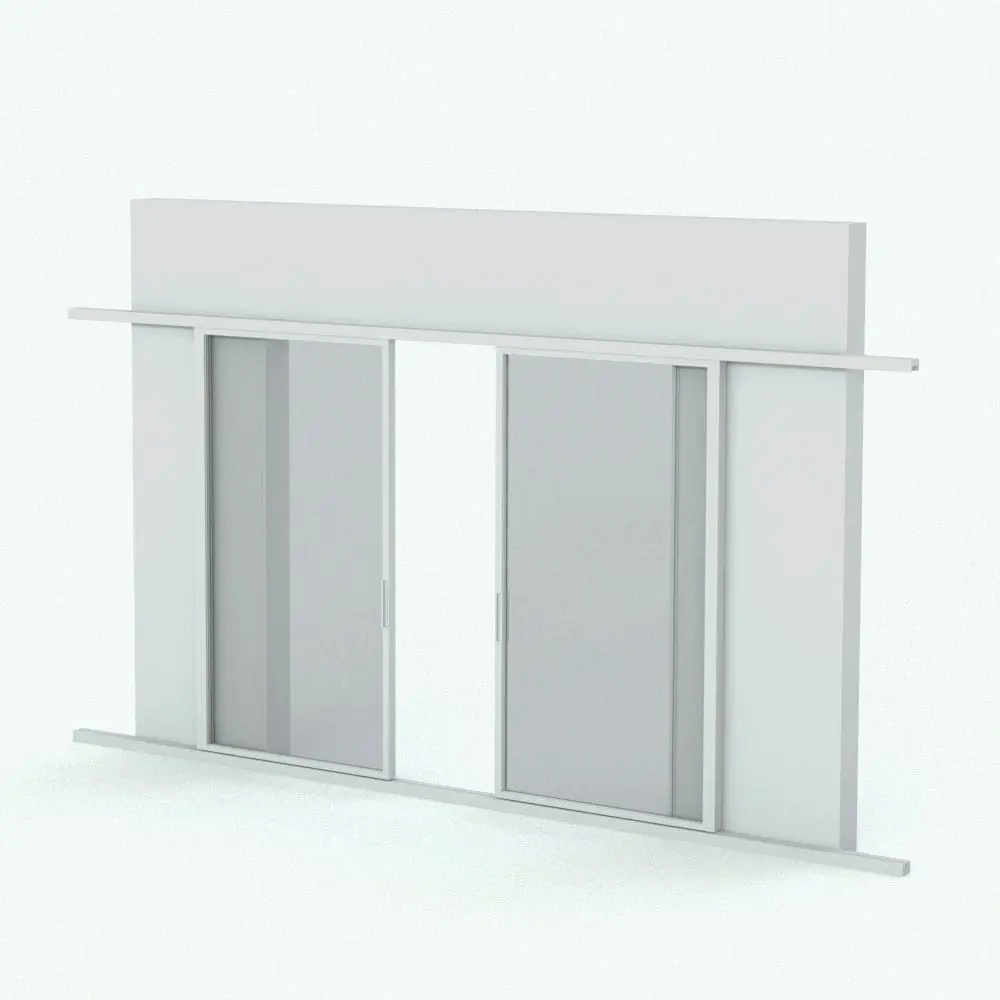
Enhance your projects with the Sliding Revit Pocket Door Family – SLD-PX-XP Bi-Part, a space-saving and stylish Revit pocket door solution designed for modern interiors, commercial spaces, and luxury residences. This bi-parting Revit pocket door family features two sliding panels that seamlessly retract sideways. This provides a clean, open aesthetic and maximizing floor space.
This Sliding Revit Pocket Door Family is fully parametric, allowing customization of frame materials, overall dimensions and more to suit various architectural styles. Ideal for indoor-outdoor living, meeting rooms, or partitioned spaces, this Revit pocket door system ensures a sleek, contemporary look with smooth operation.
The best part of this family is that it belongs to our FREE Revit families category! Download it today and check out our quality. No credit cart required.
NOTE: Manufacturer’s details can be found inside of the family.
Need more Revit door families? Click HERE to explore the options we have in stock.
For a detailed description of parameters and materials of this Revit pocket door family, please read the Revit Family Technical Information section below.
- Parametric: Yes
- Hybrid*: No
- Compatible with: Revit 2016 and higher.
- Family type: Door
- Materials/textures: No
- Approximate file size (set): 0.90 MB
- File format: .rfa
This Sliding Revit Pocket Door Family comes with the following customizable parameters and options:
Width and height of this Revit pocket door:
- Minimum width: 3′
- Maximum width: Unlimited
- Minimum height: 5′
- Maximum height: Unlimited
Opening percentage of Revit doors (individually):
- Minimum opening percentage: 0
- Maximum opening percentage: 100
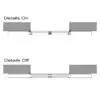
Details in floor plan and elevations can be turned on/off
This Sliding Revit Pocket Door Family comes with material parameters for:
- Frame
- Glass Pane
Don’t forget this Revit pocket door family is part of our FREE Revit families categories, so go ahead and get it today. No credit card required.
* Hybrid families combine native Revit objects with other 3D applications’ objects for a more realistic look to the families. The objects coming from other 3D applications are configured to NOT have mesh lines (only outlines) and to display in black.
Before purchasing our Revit families and 3D models, make sure you have a software like Winzip or Peazip to unzip files since you will be provided with zip format files.
| Format | rfa |
|---|
Only logged in customers who have purchased this product may leave a review.
You may also like…

Doors & Windows

Doors & Windows
Doors & Windows
Reviews
There are no reviews yet.