



Big Light Traditional Revit Ceiling Fan
$4.99
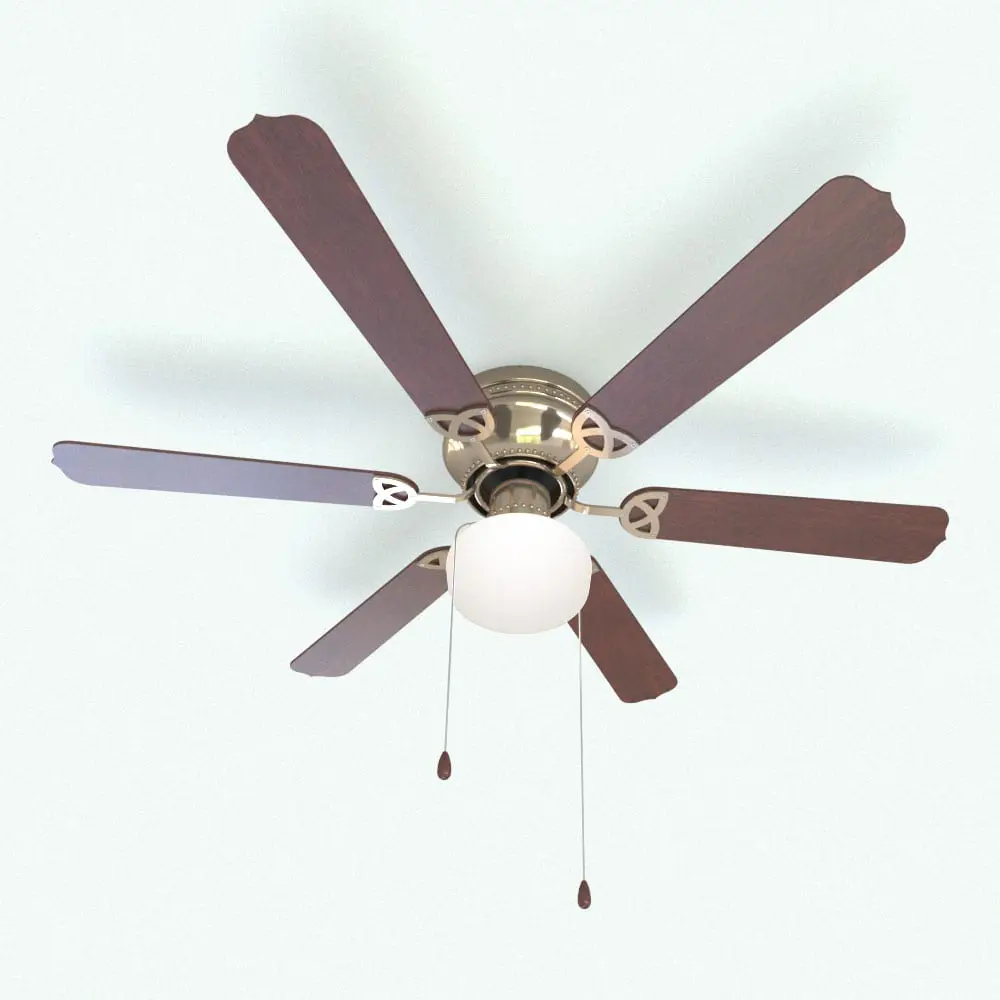
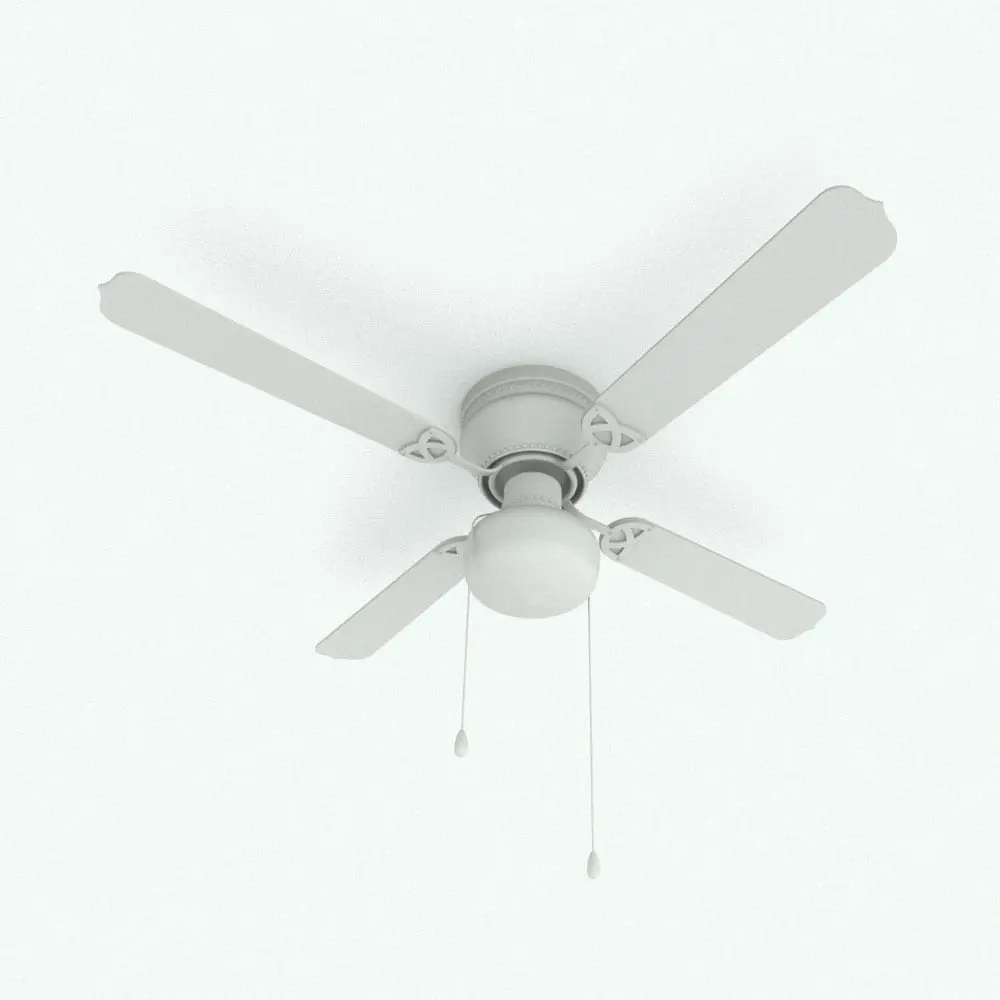
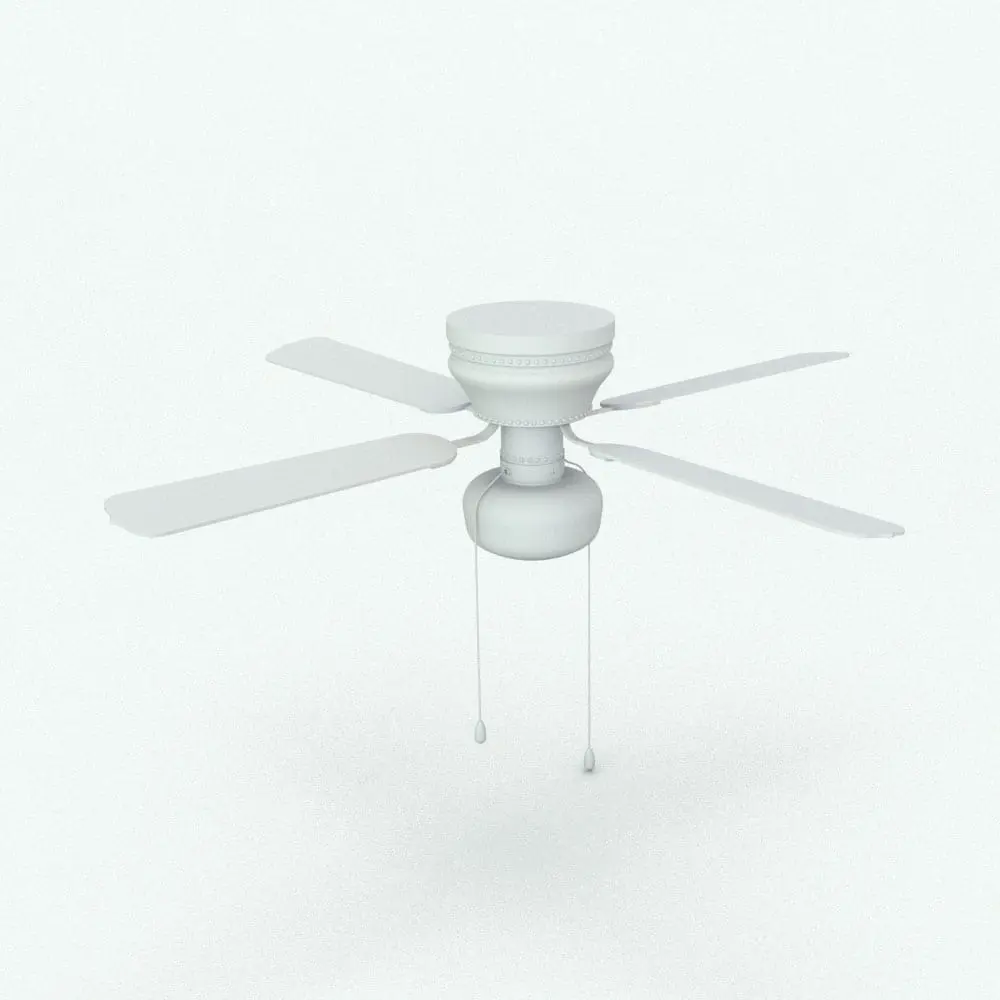
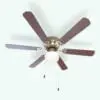
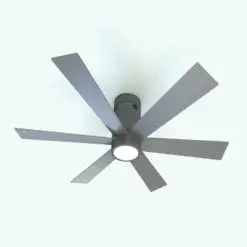
The Big Light Traditional Revit Ceiling Fan is a blend of timeless design and practical functionality, perfect for spaces that demand both elegance and comfort. Featuring wooden blades with intricately curved edges and a central polished metallic hub, this Revit ceiling fan brings a touch of classic sophistication to your interiors.
The fan is equipped with a large frosted glass light fixture, designed to provide ample illumination while maintaining a warm and inviting ambiance.
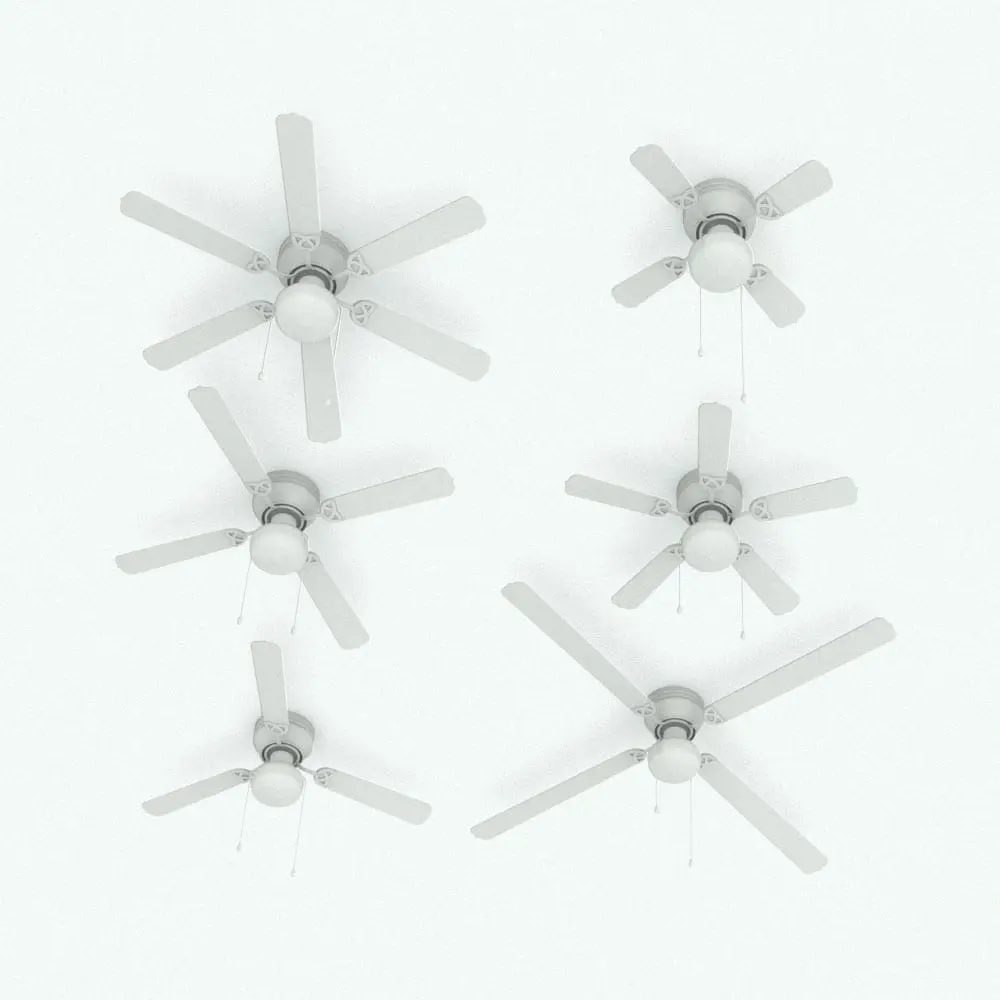
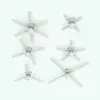
This Big Light Traditional Revit Ceiling Fan is fully parametric, allowing for customizable blade lengths, blades number, materials, etc., to suit your specific design needs. Ideal for living rooms, bedrooms, and dining areas, this Revit ceiling fan not only streamlines your work but also serves as a decorative centerpiece. Its design ensures compatibility with both traditional and transitional decor styles, making it a versatile choice for various projects.
For a detailed description of parameters and materials of this ceiling fan Revit family, please read the Revit Family Technical Information section below.
- Parametric: Yes
- Hybrid*: No
- Compatible with: Revit 2016 and higher.
- Family type: Generic Model Ceiling Based
- Materials/textures: Yes
- Approximate file size: 1.08 MB
- File format: .rfa
This Big Light Traditional Revit Ceiling Fan comes with the following customizable parameters and options:
Number of blades:
- Minimum number of blades: 3
- Maximum number of blades: 6
Blades length of this ceiling fan Revit family:
- Minimum length: 1′
- Maximum length: 3’6″
Length of chains can be changed individually:
- Minimum length: 6″
- Maximum length: 8′
This Big Light Traditional Revit Ceiling Fan comes with material parameters for:
- Housing
- Light+
- Blades
- Blades details
- Downrod
- Interior
- Chains
- Handles
- Screws
+ There is not an actual light in this family, but a material parameter where you can add an emissive material
* Hybrid families combine native Revit objects with other 3D applications’ objects for a more realistic look to the families. The objects coming from other 3D applications are configured to NOT have mesh lines (only outlines) and to display in black.
Before purchasing our Revit families and 3D models, make sure you have a software like Winzip or Peazip to unzip files since all our files are delivered in zip format.
| Format | rfa |
|---|
Only logged in customers who have purchased this product may leave a review.
You may also like…

Ceiling Fans

Ceiling Fans
Ceiling Fans
Reviews
There are no reviews yet.