



BO-OK Bookends Revit Decor Family
$4.49
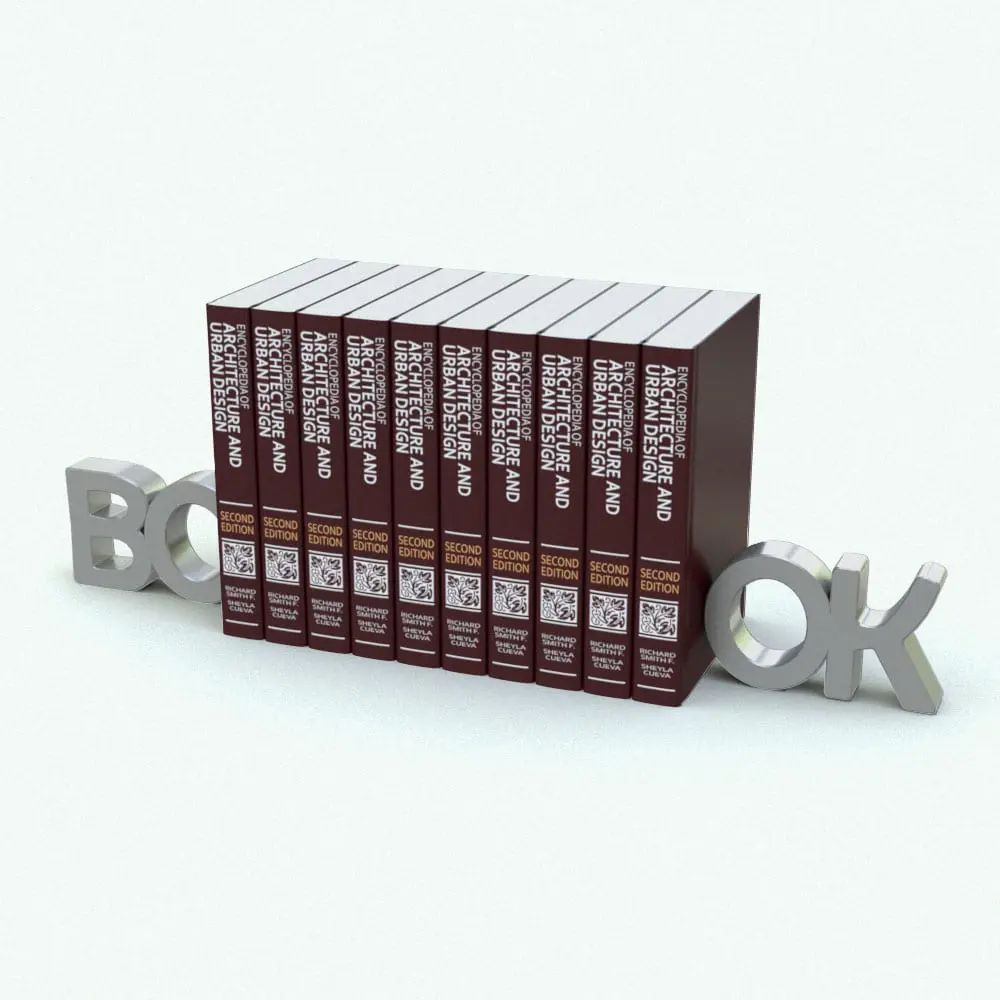
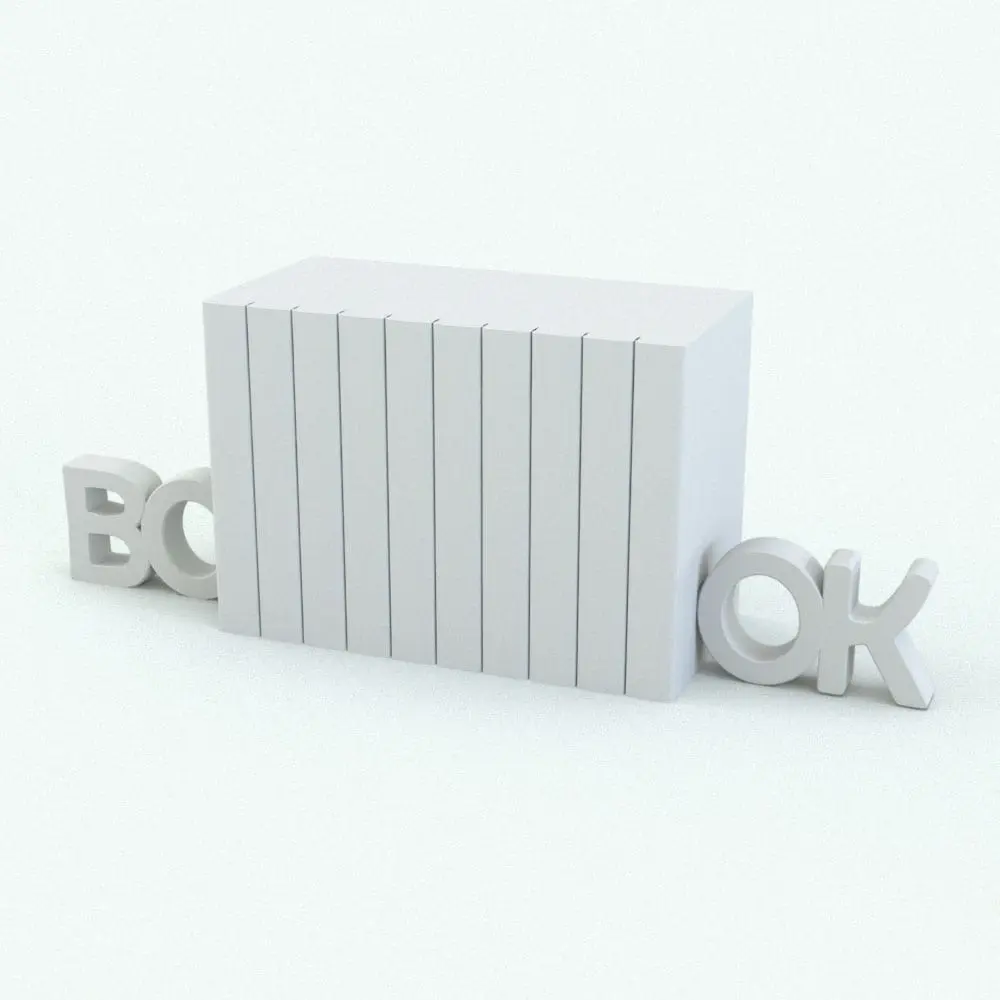
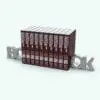
Enhance your bookshelf with this BO-OK Bookends Revit Decor Family, a playful and modern way to display your Revit books. Designed with stylized typography spelling “BO” and “OK”, this unique bookends Revit decor family adds a minimalist yet eye-catching accent to any space. Whether for a home office, library, or commercial interior, this decoration Revit family brings both organization and a creative touch to your book collections.
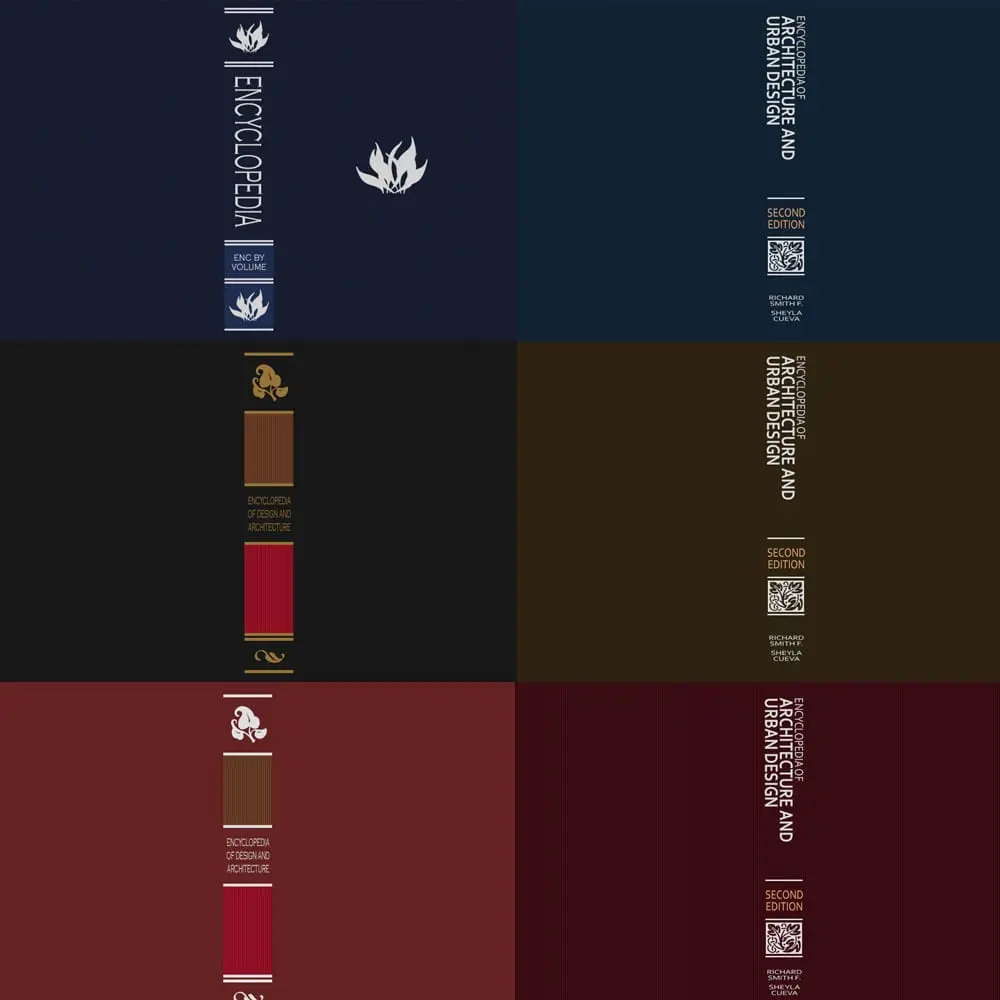
The included Revit books come in six different color palettes, allowing designers to match the aesthetic of various projects seamlessly. The bookend material and book number in this BO-OK Bookends Revit Decor Family are fully customizable, making it easy to adapt to different interior styles and shelving layouts.
Looking for other decoration Revit families? Click HERE to explore what other Revit decor families we have.
For a detailed description of parameters and materials of this Revit decor family, please read the Revit Family Technical Information section below.
- Parametric: Yes
- Hybrid*: No
- Compatible with: Revit 2016 and higher.
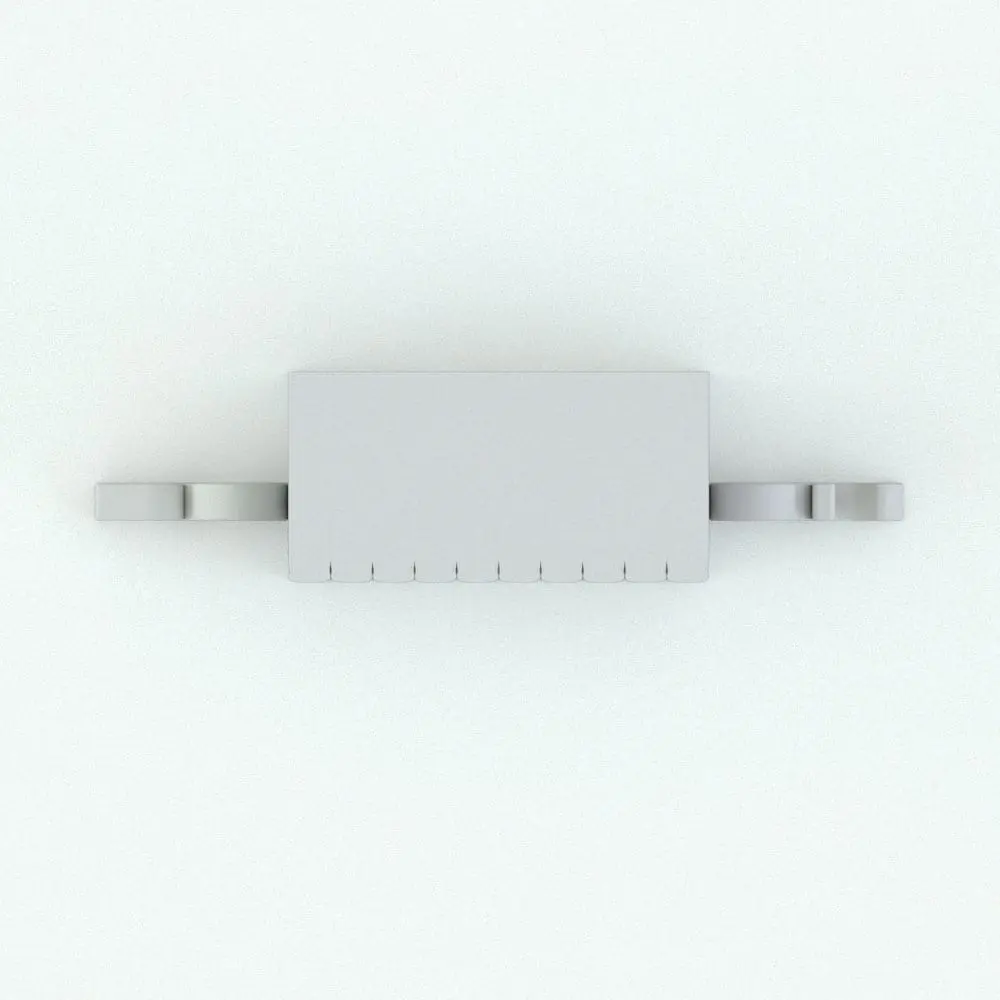
- Family type: Generic Model Work Plane-Based
- Materials/textures: Yes
- Approximate file size (set): 0.97 MB
- File format: .rfa
This BO-OK Bookends Revit Decor Family comes with the following customizable parameters and options:
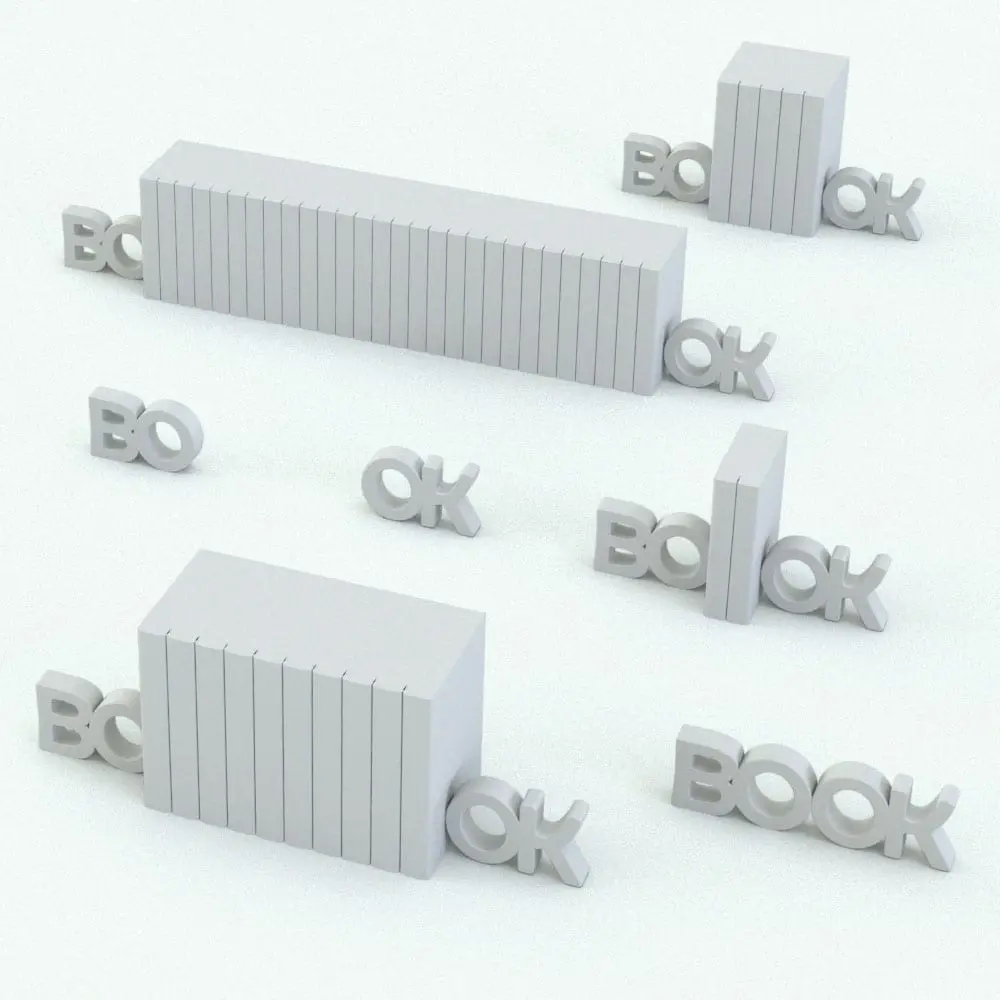
Number of books in this decoration Revit family:
- Minimum number of books: 2
- Maximum number of books: 75
Revit books can be removed completely in case you want to your own books. If books are removed, the spacing between the bookends can be changed:
- Minimum bookends spacing: 0′
- Maximum bookends spacing: 20′
Books come in two different sizes: 10″ and 12″ tall.
This BO-OK Bookends Revit Decor Family comes with material parameters for:
- Bookend
- Book Pages
- Encyclopedia 10 in
- Encyclopedia 12 in
* Hybrid families combine native Revit objects with other 3D applications’ objects for a more realistic look to the families. The objects coming from other 3D applications are configured to NOT have mesh lines (only outlines) and to display in black.
Before purchasing our Revit families and 3D models, make sure you have a software like Winzip or Peazip to unzip files since you will be provided with zip format files.
| Format | rfa |
|---|
Only logged in customers who have purchased this product may leave a review.
You may also like…
Bookshelves
Bookshelves
Bookshelves
Reviews
There are no reviews yet.