




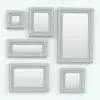
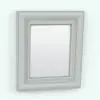
Wall Mirror – Picture Frame Revit Family
$5.99
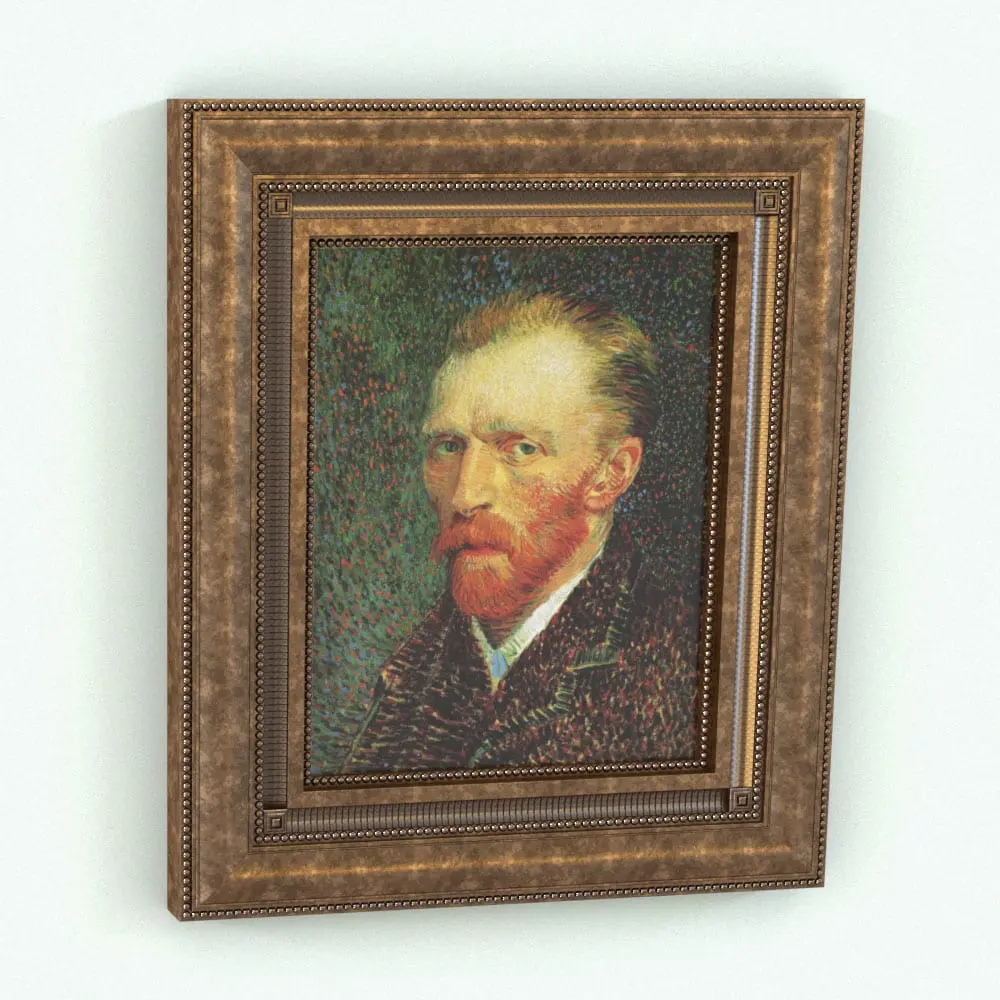
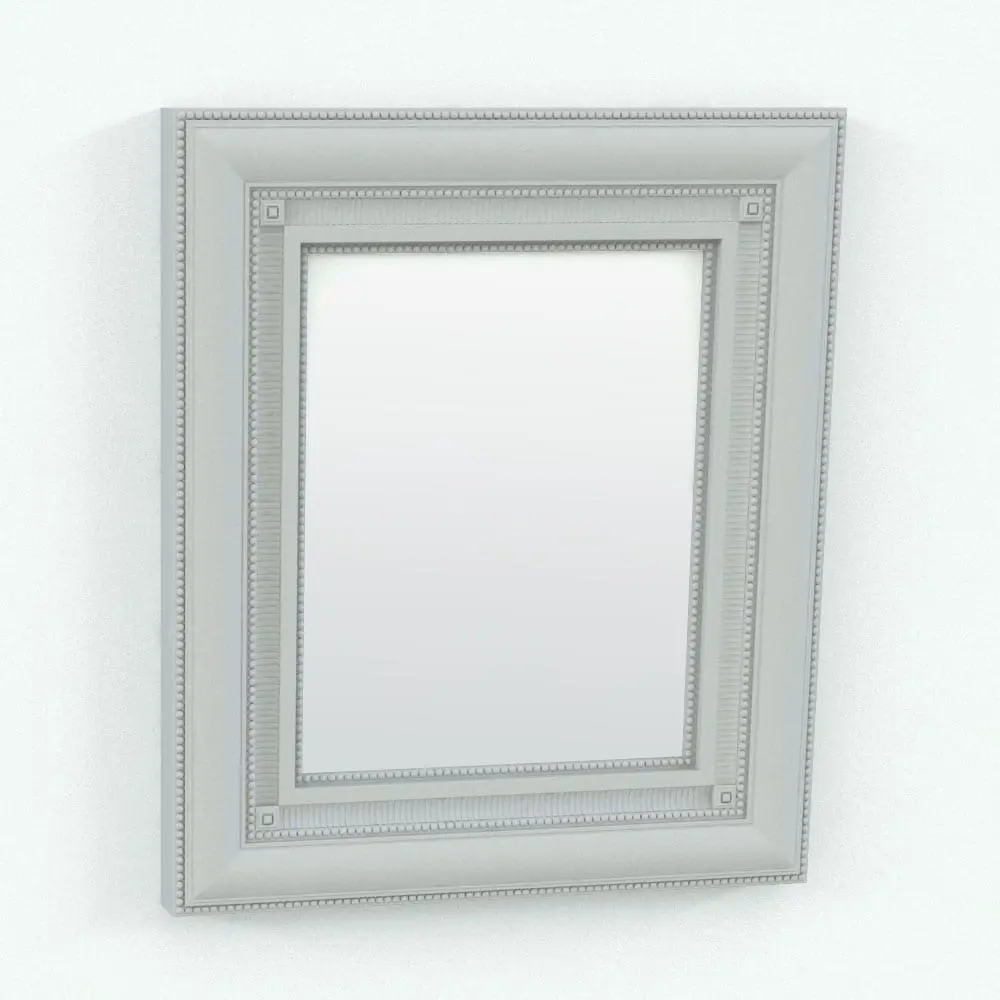
Enhance your interior designs with this versatile Wall Mirror – Picture Frame Revit Family, a multifunctional element that can serve as either a classic framed Revit mirror or a decorative picture frame Revit family. Designed with an elegant, traditional border, this Revit family allows users to swap the central element between a reflective mirror surface or an image of their choice, making it ideal for residential, commercial, and hospitality interiors.
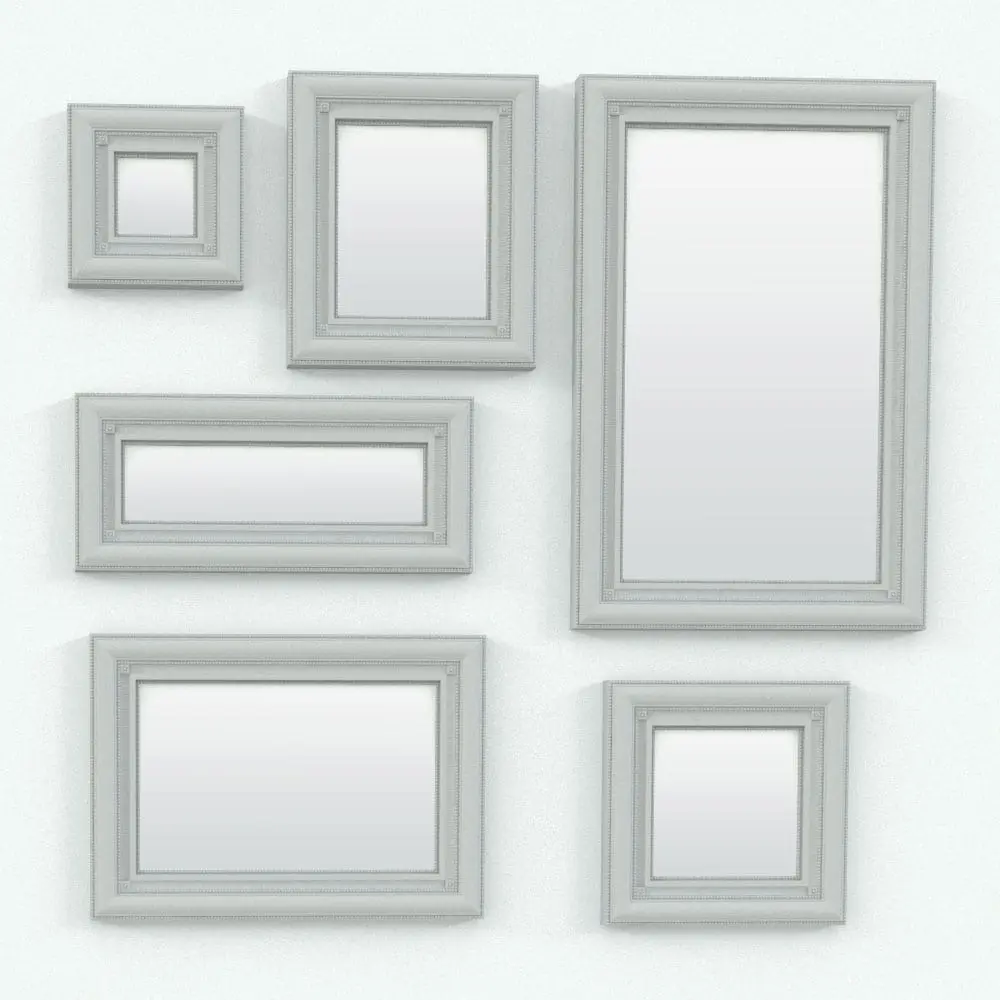
With parametric options in this Wall Mirror – Picture Frame Revit Family, users can adjust the frame dimensions and material finishes, providing flexibility for different project needs. Whether placed in living rooms, hallways, hotel lobbies, or offices, this picture frame Revit family (or Revit mirror) offers both aesthetic refinement and functional adaptability.
Looking for other types of decoration Revit families? Click HERE to explore all the Revit decor options we have in stock.
For a detailed description of parameters and materials of this picture frame Revit family, please read the Revit Family Technical Information section below.
- Parametric: Yes
- Hybrid*: No
- Compatible with: Revit 2016 and higher.
- Family type: Generic Model Wall Based
- Materials/textures: Yes (except Van Gogh’s image)
- Approximate file size: 2.0 MB
- File format: .rfa
This Wall Mirror – Picture Frame Revit Family comes with the following customizable parameters and options:
Width and height of this picture frame Revit family:
- Minimum width: 6″
- Maximum width: no limit
- Minimum height: 6″
- Maximum height: no limit
You can turn on/off the glass in this family.
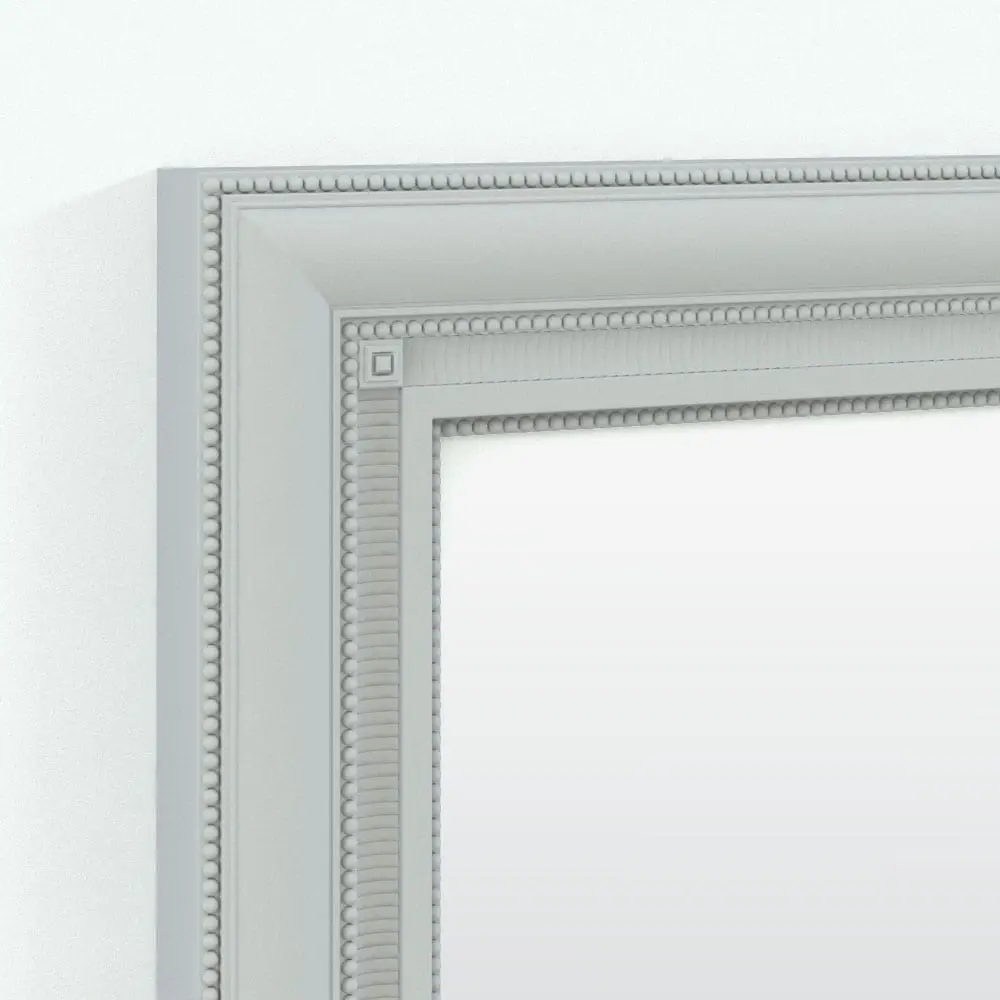
This Wall Mirror – Picture Frame Revit Family comes with material parameters for:
- Frame
- Spheres trim
- Repetitive trim
- Glass/mirror
- Picture
- Corner details
IMPORTANT NOTES ABOUT THIS PICTURE FRAME REVIT FAMILY:
- This is a highly detailed Revit family that takes some time to regenerate when the parameters are changed.
- By default, NONE of the details WILL BE VISIBLE in the views to speed up the workflow. Before rendering, switch the detail level to FINE to see everything. Switch it back to coarse when not rendering to work faster.
- Van Gogh’s image is not included in this picture frame Revit family
* Hybrid families combine native Revit objects with other 3D applications’ objects for a more realistic look to the families. The objects coming from other 3D applications are configured to NOT have mesh lines (only outlines) and to display in black.
Before purchasing our Revit families and 3D models, make sure you have a software like Winzip or Peazip to unzip files since you will be provided with zip format files.
| Format | rfa |
|---|
Only logged in customers who have purchased this product may leave a review.
You may also like…

Decor & Accessories
Decor & Accessories

Decor & Accessories
Reviews
There are no reviews yet.