



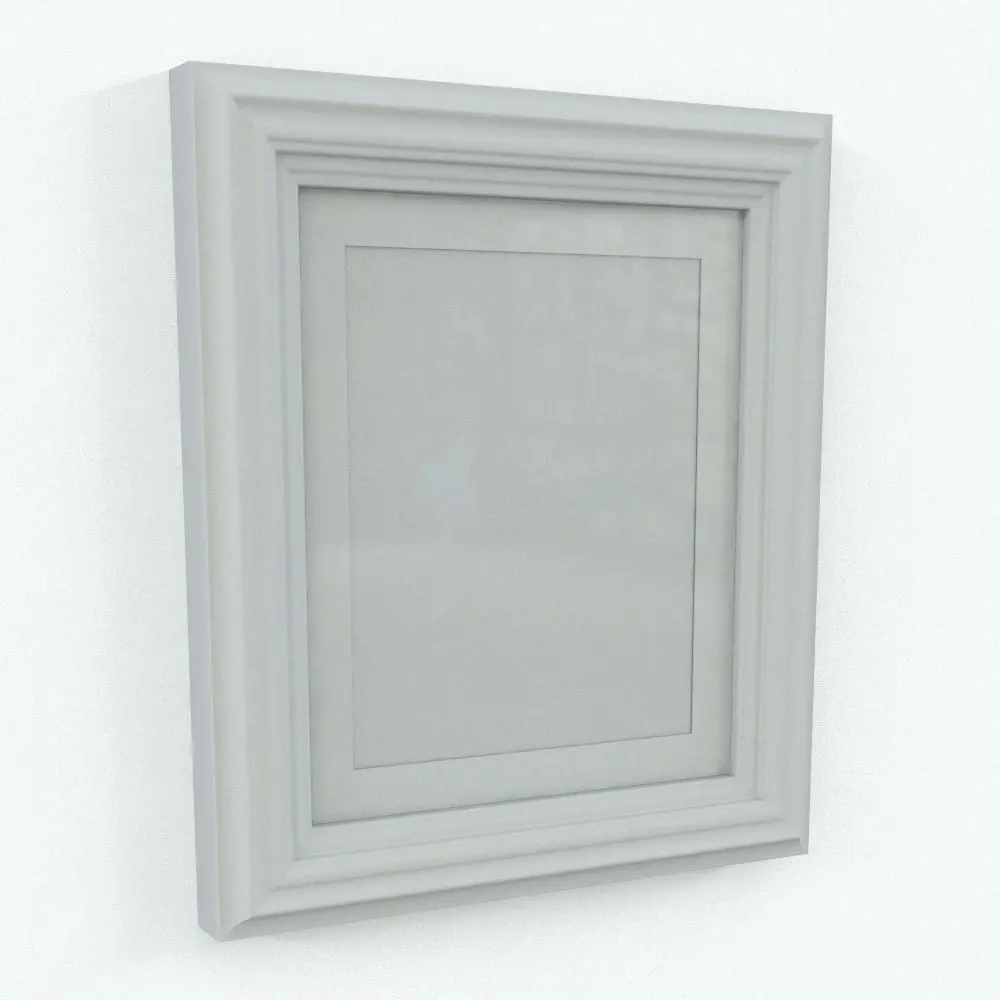
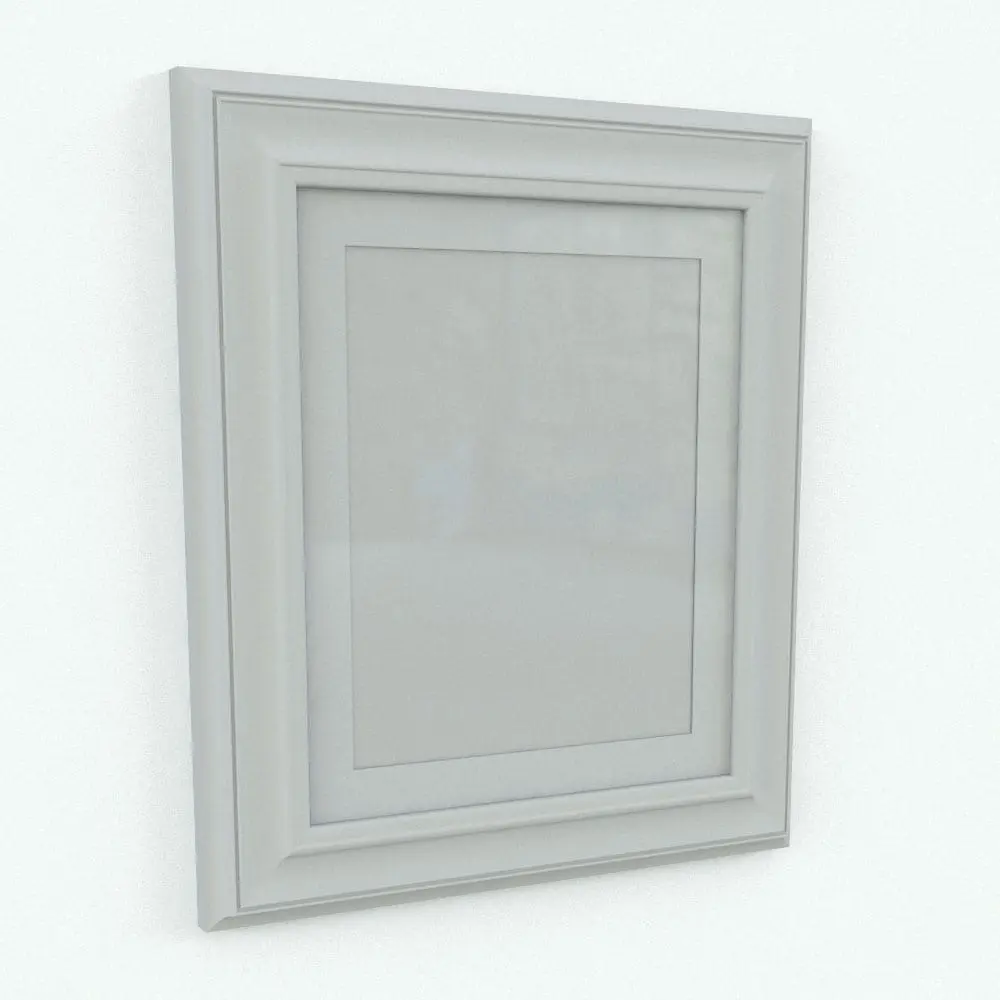
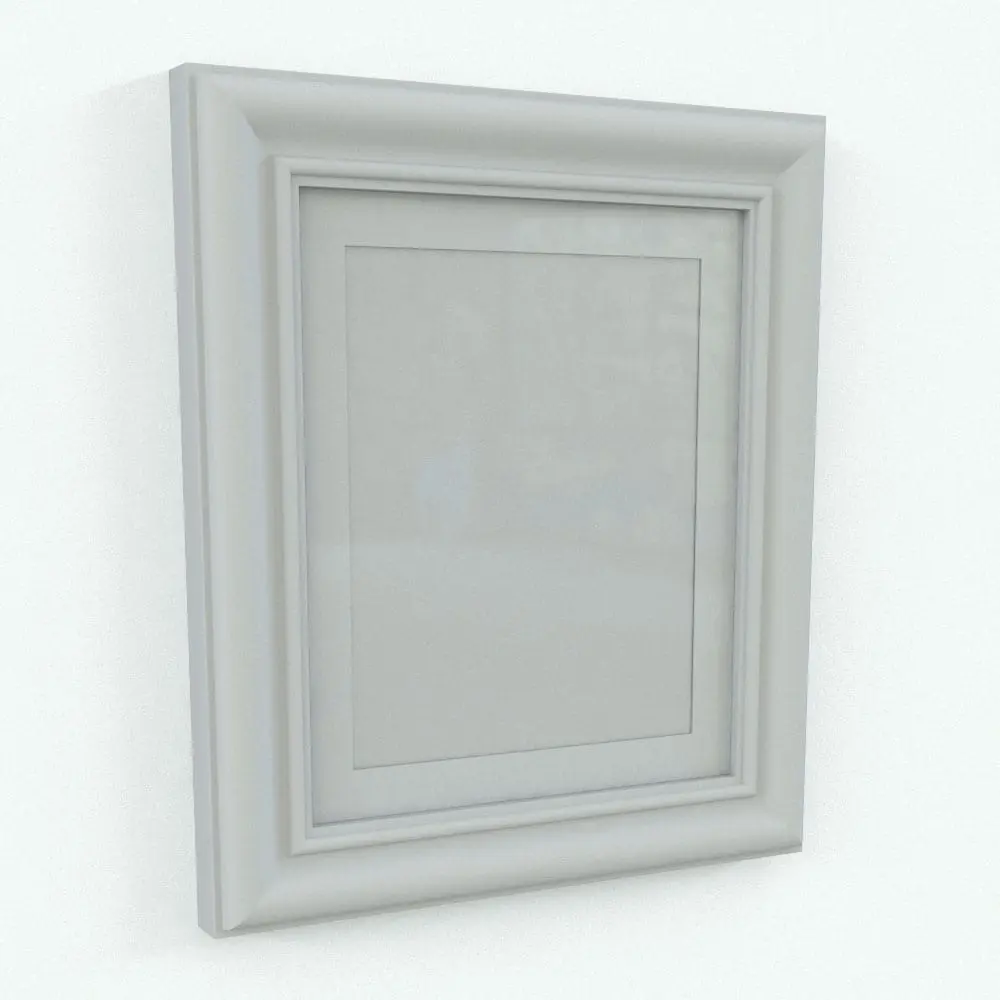
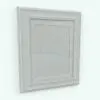
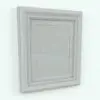
Picture Frame Revit Family Different Designs
$4.99
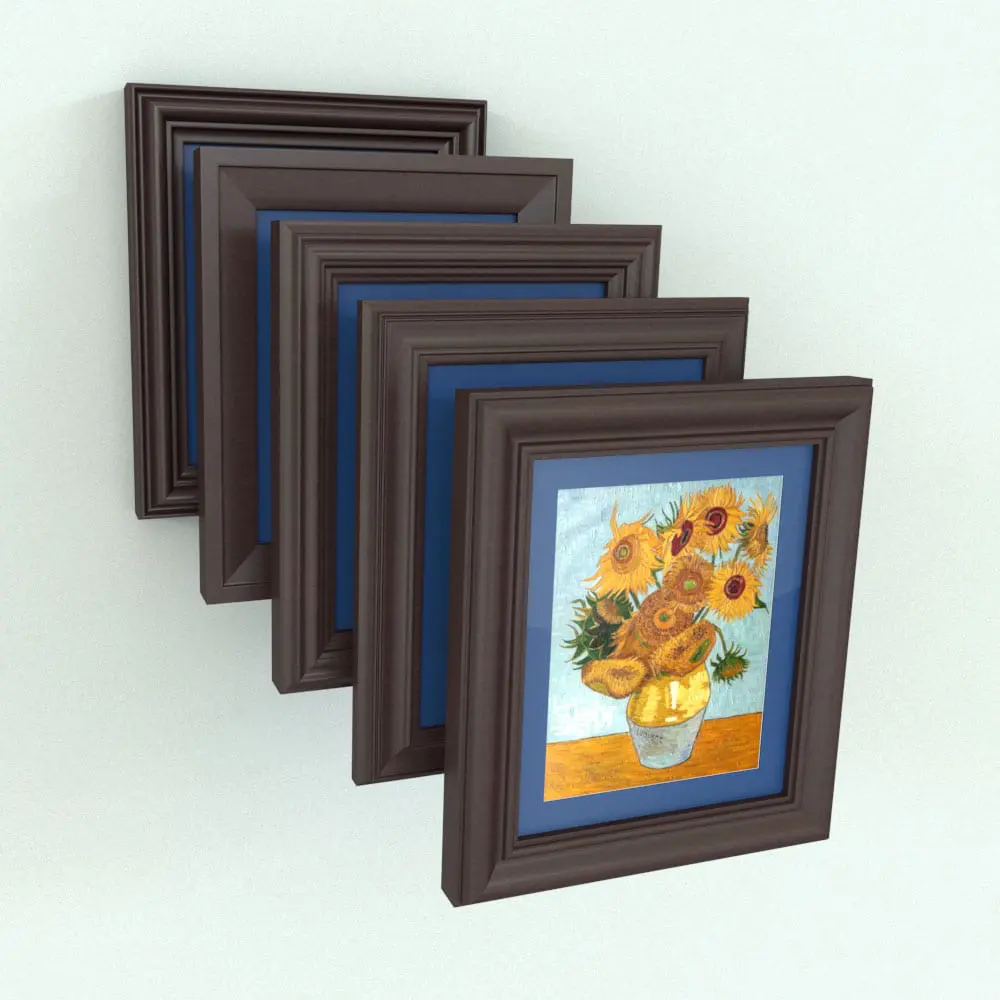
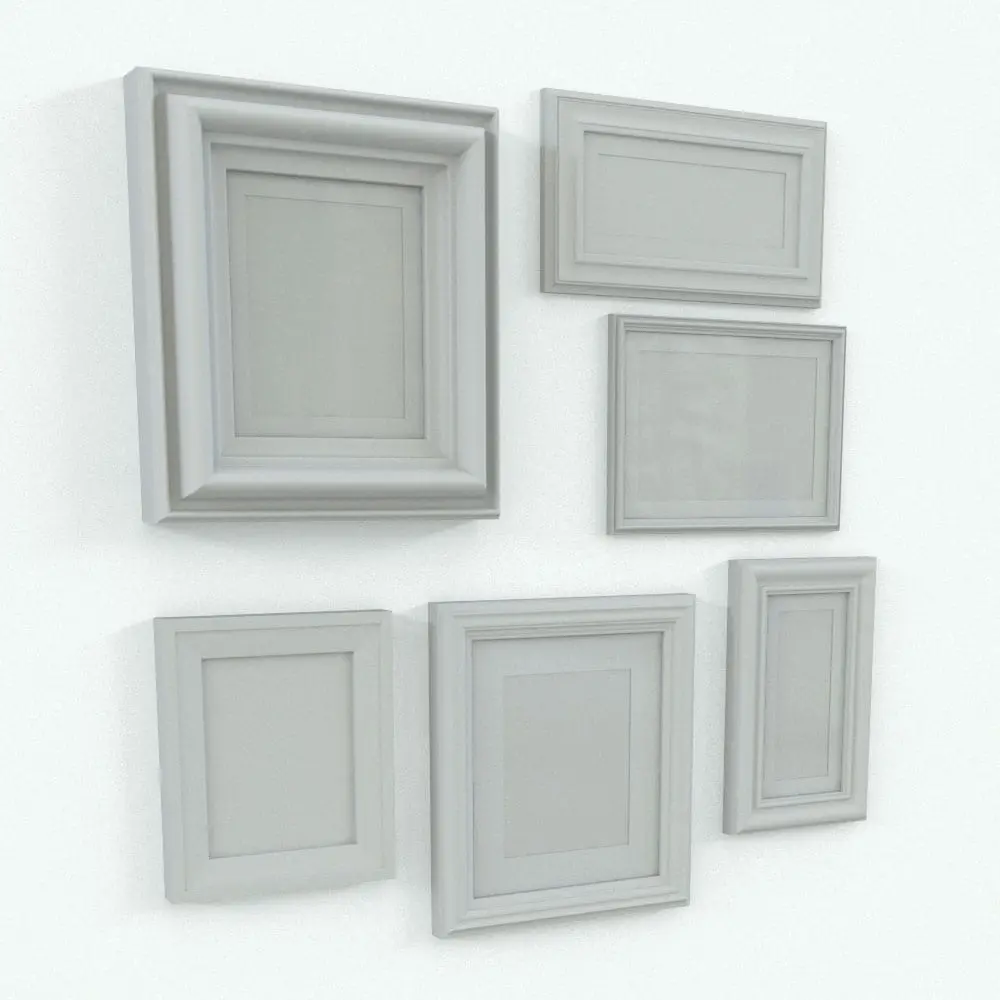
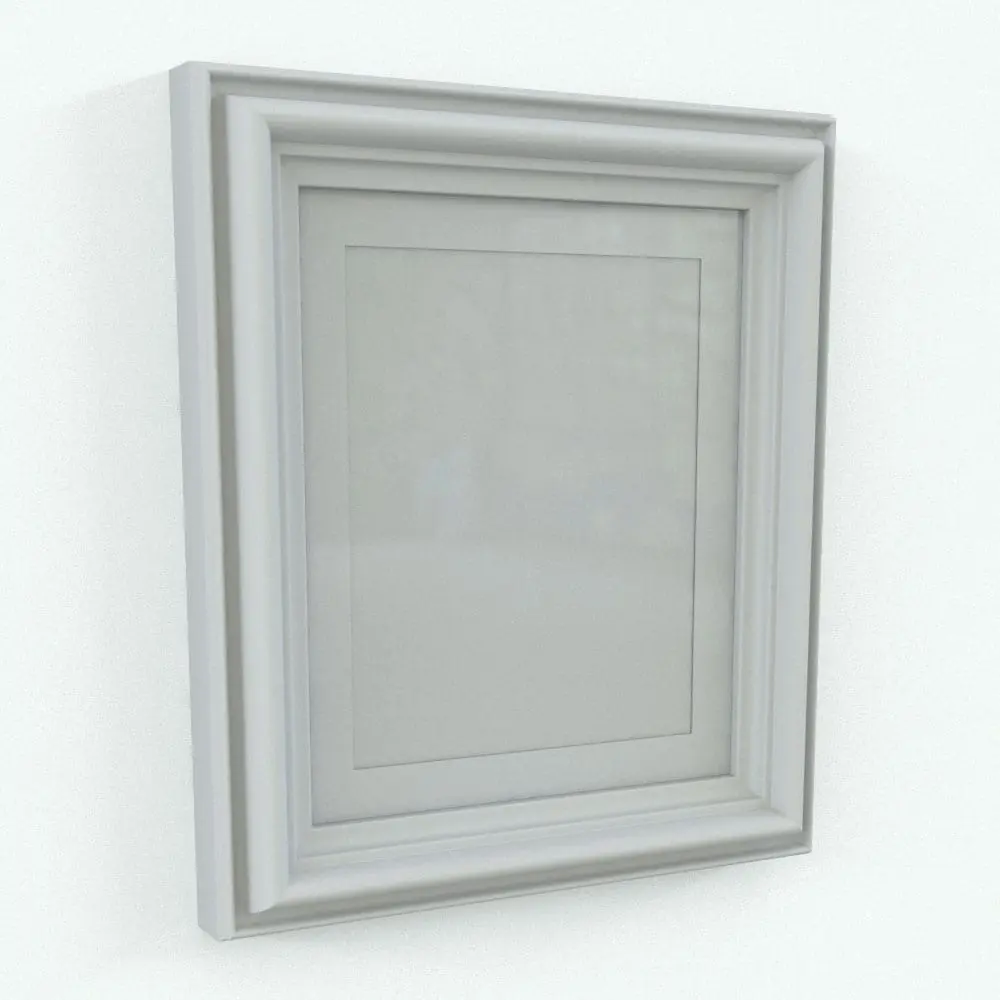
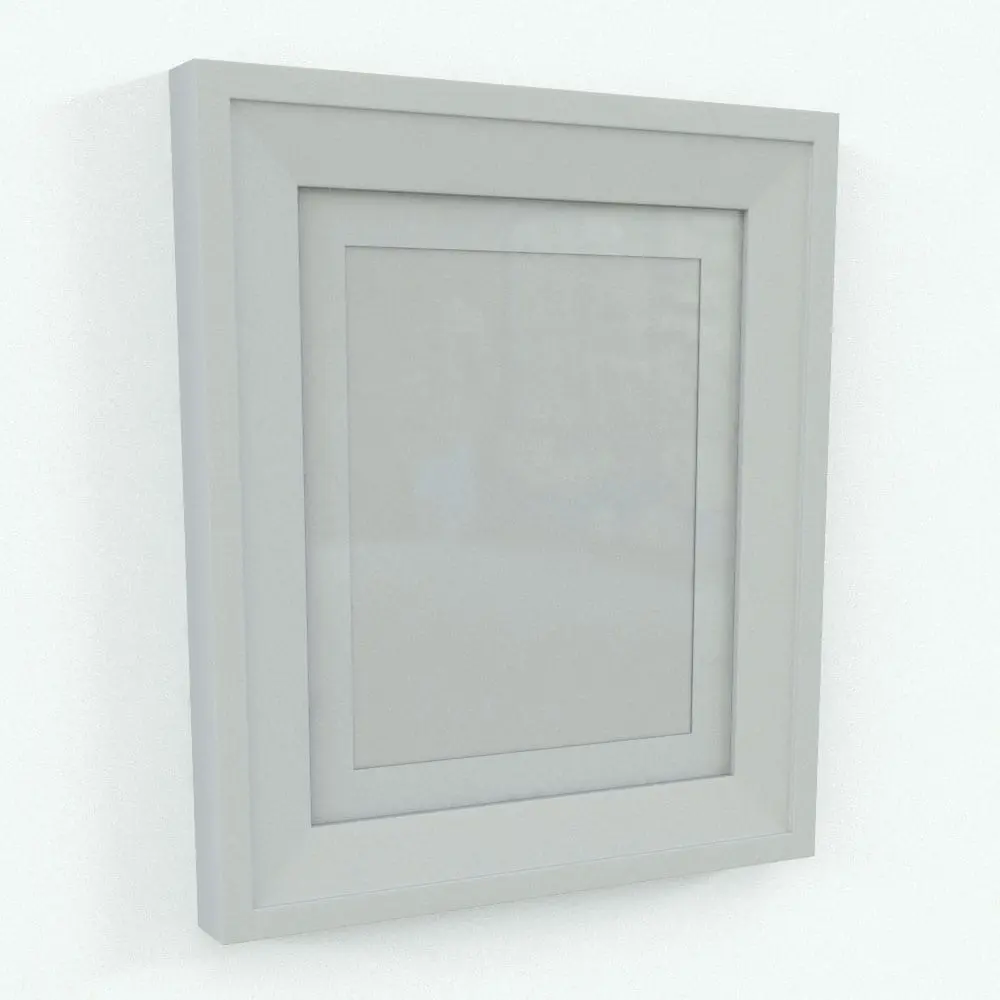
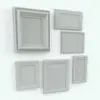
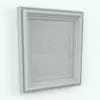
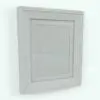
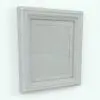
Enhance your interior projects with the Picture Frame Revit Family with Different Designs, a highly versatile and customizable framing solution that includes five distinct frame styles in a single Revit family. With multiple design options available, users can seamlessly switch between frame profiles, making it a cost-effective and flexible choice for residential, commercial, and hospitality interiors.
Designed with parametric adjustability, this Picture Frame Revit Family Different Designs allows users to modify frame dimensions, materials, and styles to complement any aesthetic, from classic and traditional to modern and decorative. Whether used for art displays, personal photographs, or branding elements, this adaptable model ensures seamless integration into any design project.
The Revit frame family attaches to faces so it is easier to place anywhere in your project.
Looking for more decoration Revit families? Click HERE to view all the Revit decor options that we have.
For a detailed description of parameters and materials of this picture frame Revit family, please read the Revit Family Technical Information section below.
- Parametric: Yes
- Hybrid*: No
- Compatible with: Revit 2016 and higher.
- Family type: Generic Model Face Based
- Materials/textures: Yes (except painting of sunflowers)
- Approximate file size: 3.34 MB
- File format: .rfa
This Picture Frame Revit Family Different Designs comes with the following customizable parameters and options:
Picture width:
- Min picture width: 4″
- Max picture width: no limit
Picture height of this Revit family:
- Min picture height: 4″
- Max picture height: no limit
Inset width:
- Min glass inset width: 1/4″
- Max glass inset width: no limit
Frame width of this picture frame Revit family:
- Min frame width: 1/2″
- Max frame width: no limit
Includes 5 different types of frames
The following objects can be turned off on the Revit frame:
- Glass
- Inset
This Picture Frame Revit Family Different Designs comes with material parameters for:
- Glass
- Frame
- Inset
- Picture
* Hybrid families combine native Revit objects with other 3D applications’ objects for a more organic and realistic look to the families. The objects coming from other 3D applications are configured to NOT have mesh lines (only outlines) and to display in black.
Before purchasing our Revit families and 3D models, make sure you have a software like Winzip or Peazip to unzip files since you will be provided with zip format files.
| Format | rfa |
|---|
Only logged in customers who have purchased this product may leave a review.
Reviews
There are no reviews yet.